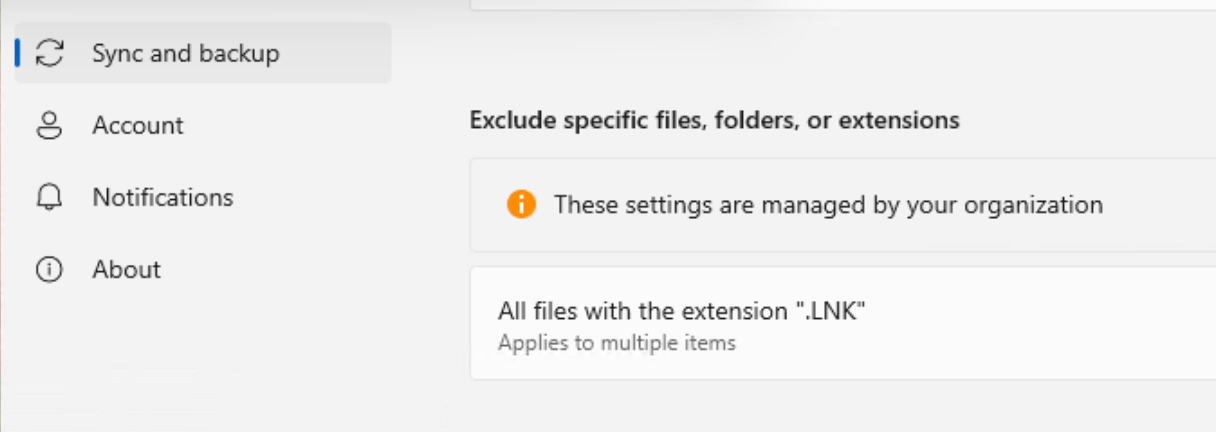
Playing with multiple devices with OneDrive synched and you get shortcuts uploaded into your OneDrive again and again and again. An infinite loop Inception style.
With a straight forward configuration leveraging Microsoft Intune, you are able to block very specific extension files to be uploaded. This might also comes handy when you want to prevent extension files that you know are too big to be uploaded.
Pick the configuration
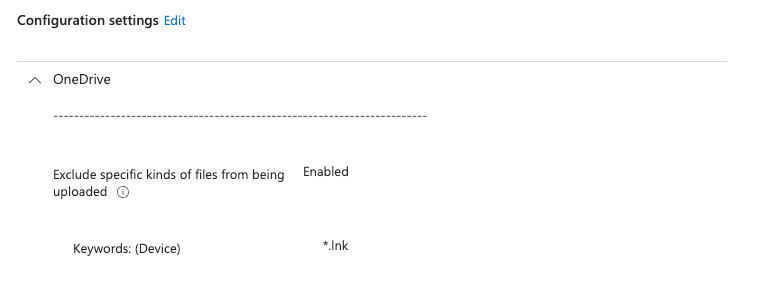
Create a new configuration profile. Search and Pick the following setting : Exclude specific kinds of files from being uploaded and Enable it
Now you can enter any extension you want, inlcluding *.lnk.
Enduser experience
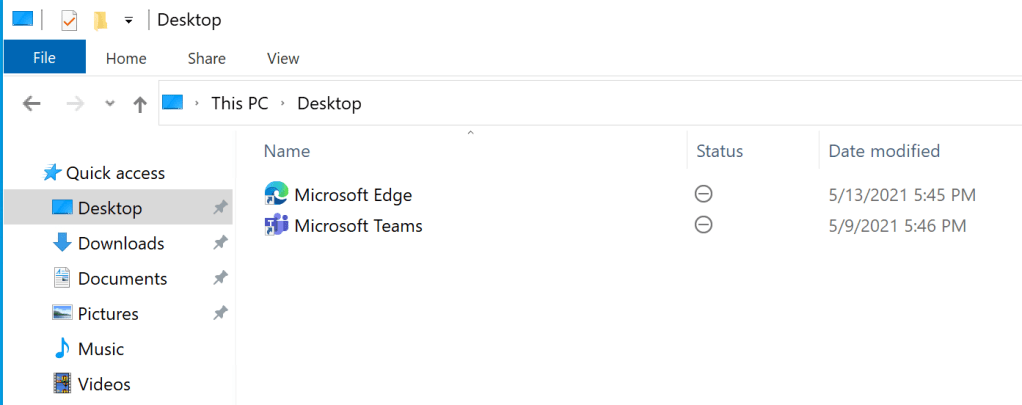
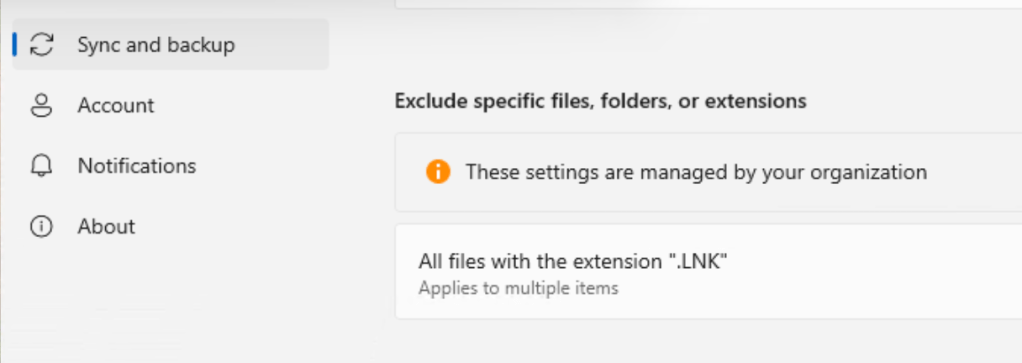
What is nice with this configuration is that you get the visual confirmation directly from both the File Explorer and the OneDrive settings client.
If you look at the file in the File Explorer, it said : Excluded from sync
And in the OneDrive client settings you get more details about the excluded type of files :
Sharing is caring !
 Poem to MDM