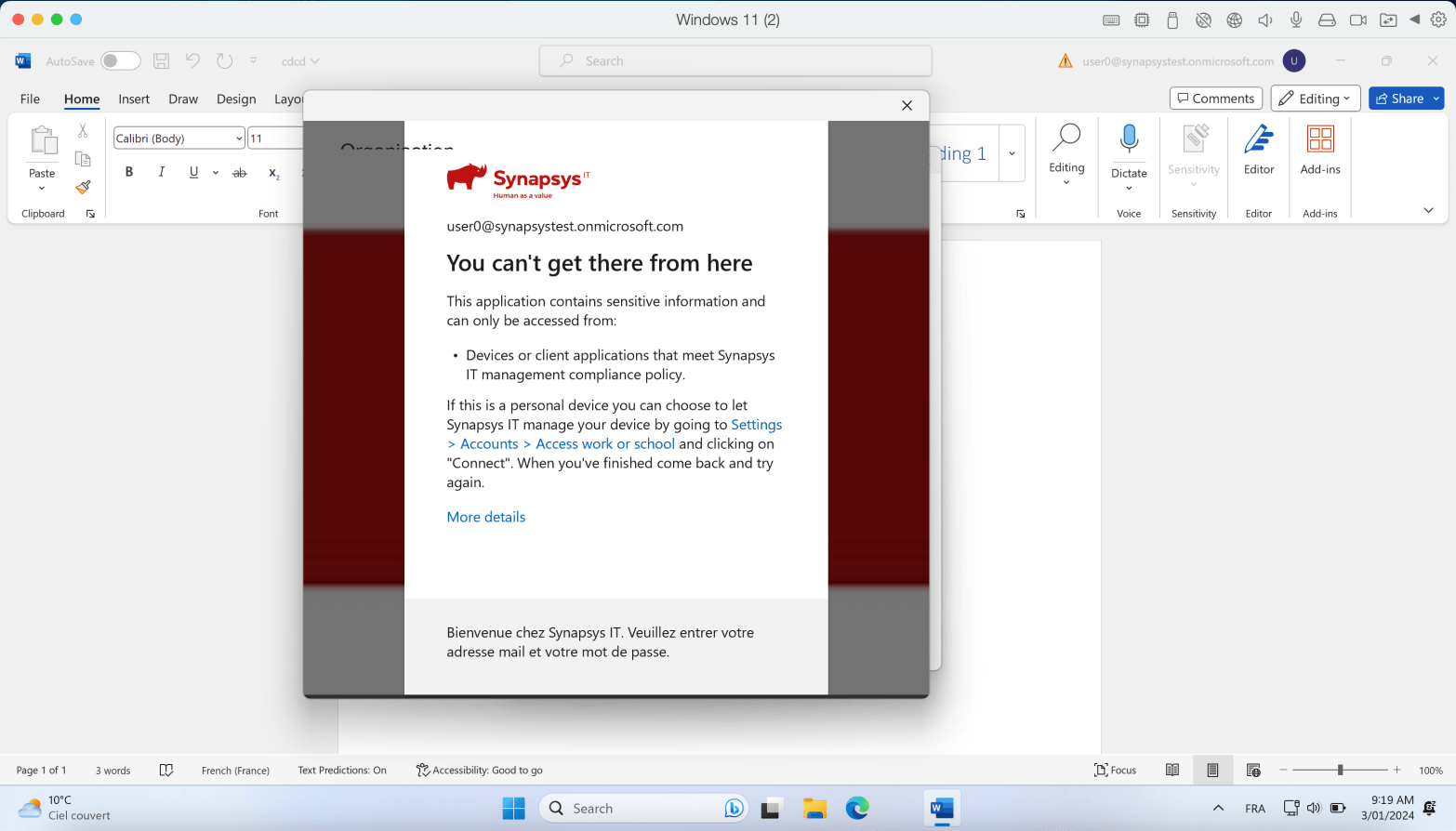
Conditional Access rules are a key tool for securing corporate data. One of my favorites rules is the “Require the device to be compliant” rule. Here’s the idea : Your device needs to be enrolled in Intune and meet specific compliance rules you’ve set. This ensures that only managed devices can access company data, keepingContinue reading “Guard Your Corporate Data : Put an End to Unauthorized Access on Personal Devices with Conditional Access”
Author Archives: Tom Machado
Effortless Browser Management : Enabling Auto Updates for Google Chrome on macOS with Intune

In today’s dynamic digital landscape, staying ahead with up-to-date software is vital for security and optimal performance. For organizations relying on Google Chrome, an efficient and automated update process is a must. This guide takes you through forcing auto-updates for Google Chrome on macOS using Microsoft Intune, your favorite MDM solution. Elevate your security measuresContinue reading “Effortless Browser Management : Enabling Auto Updates for Google Chrome on macOS with Intune”
Simplified Intune Monitoring with Power Automate and Graph API

Managing an Intune environment ? Delegating tasks becomes essential as your setup evolves. To keep a close watch on Intune actions, this guide walks you through setting up an automated monitoring system. Stay on top of changes in crucial areas like applications, configurations, and rings with ease for seamless management and enhanced security. At theContinue reading “Simplified Intune Monitoring with Power Automate and Graph API”
Efficiency Unleashed : Create Intune Configuration Profiles with Powershell
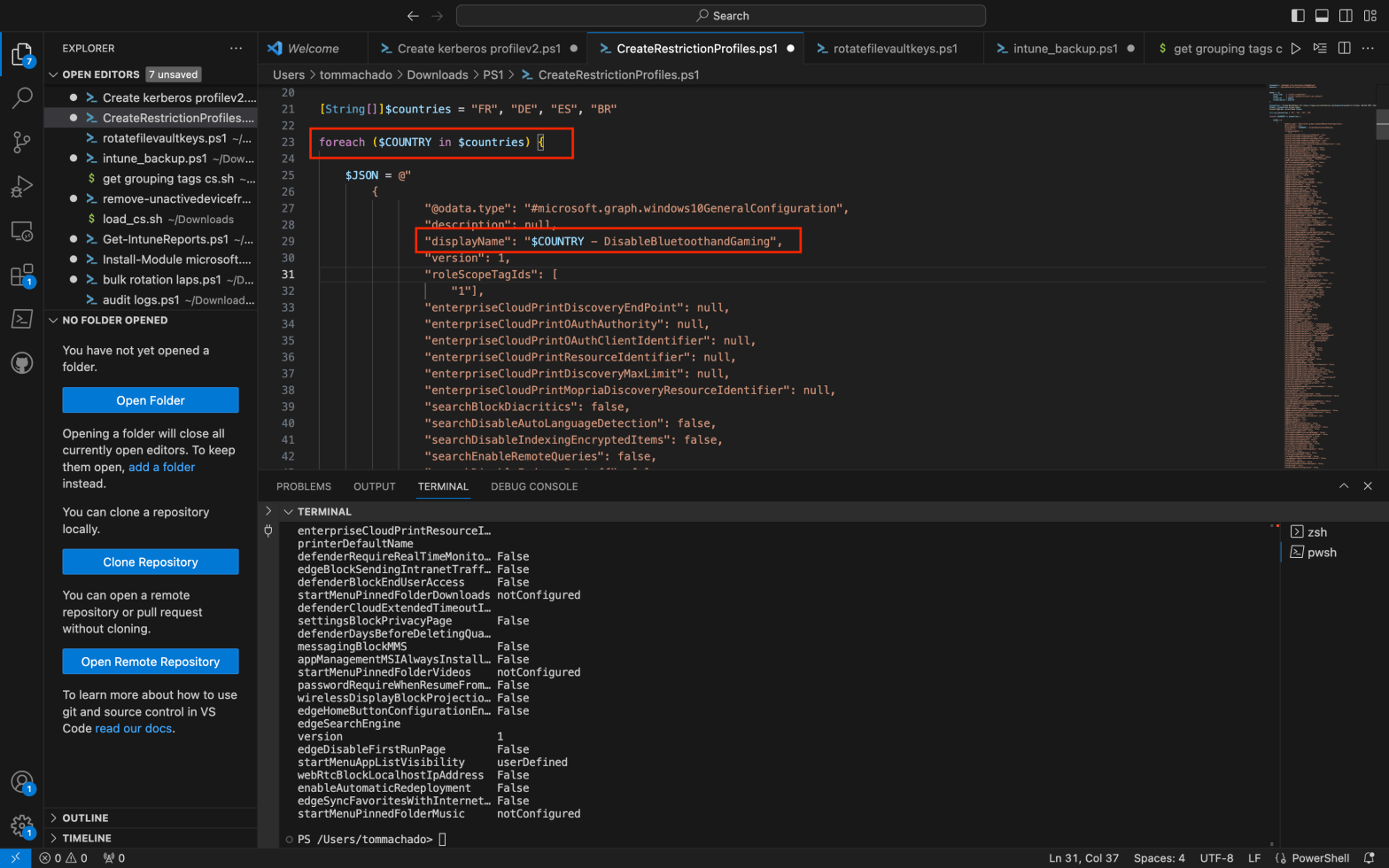
You’re looking for automating configuration profiles creation ? You came to the right place. Imagine having a multitude of configuration profiles to generate and wanting to simplify the process with PowerShell. Additionally, you aim to efficiently assign these profiles to various groups and include a scope tag for each of them. If you’re as enthusiasticContinue reading “Efficiency Unleashed : Create Intune Configuration Profiles with Powershell”
Unlocking Windows LAPS: How to Safeguard Local Passwords with Administrative Units
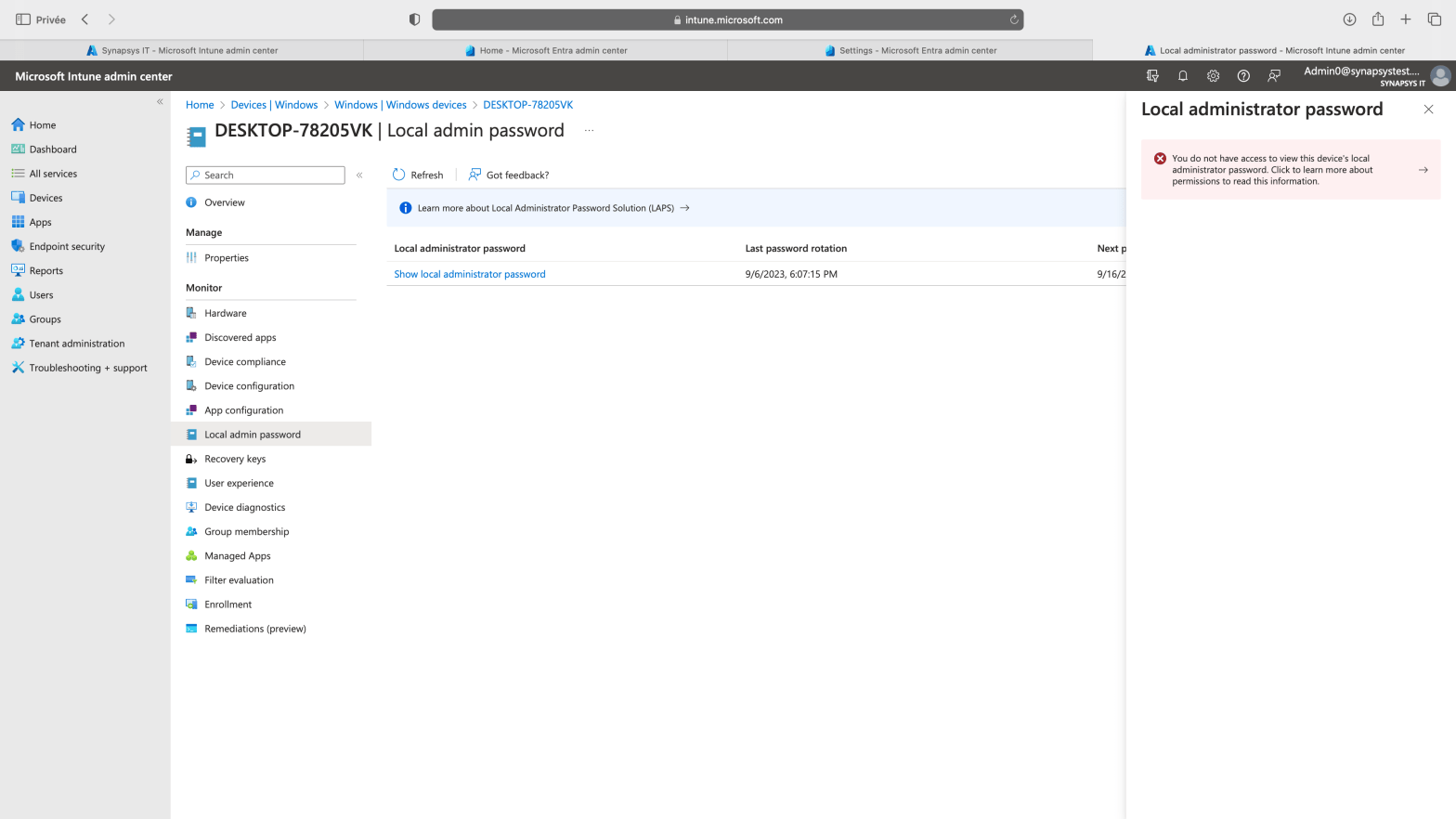
Windows LAPS (Local Administrator Password Solution) has recently become generally available, introducing a robust and intriguing design built on multiple DLLs and functions. Numerous resources exist that detail how to enable and utilize this feature. In this blog post, we will explore a crucial aspect of Windows LAPS – how to delegate access to theContinue reading “Unlocking Windows LAPS: How to Safeguard Local Passwords with Administrative Units”
First journey into Windows 365 : Provisioning and Deployment

More and more Intune features are being supported into Cloud PCs. Last one announced was Endpoint Privilege Management (EPM) at this time but you manage Cloud PC with Intune quite deeply : Apps, Configurations, Updates, Autopatch, Compliance, Defender. Copilot was also announced to be working with the OS on Cloud PCs. Oh and the developmentContinue reading “First journey into Windows 365 : Provisioning and Deployment”
Run bulk local passwords rotations from Intune with WindowsLAPS, Powershell and Graph API
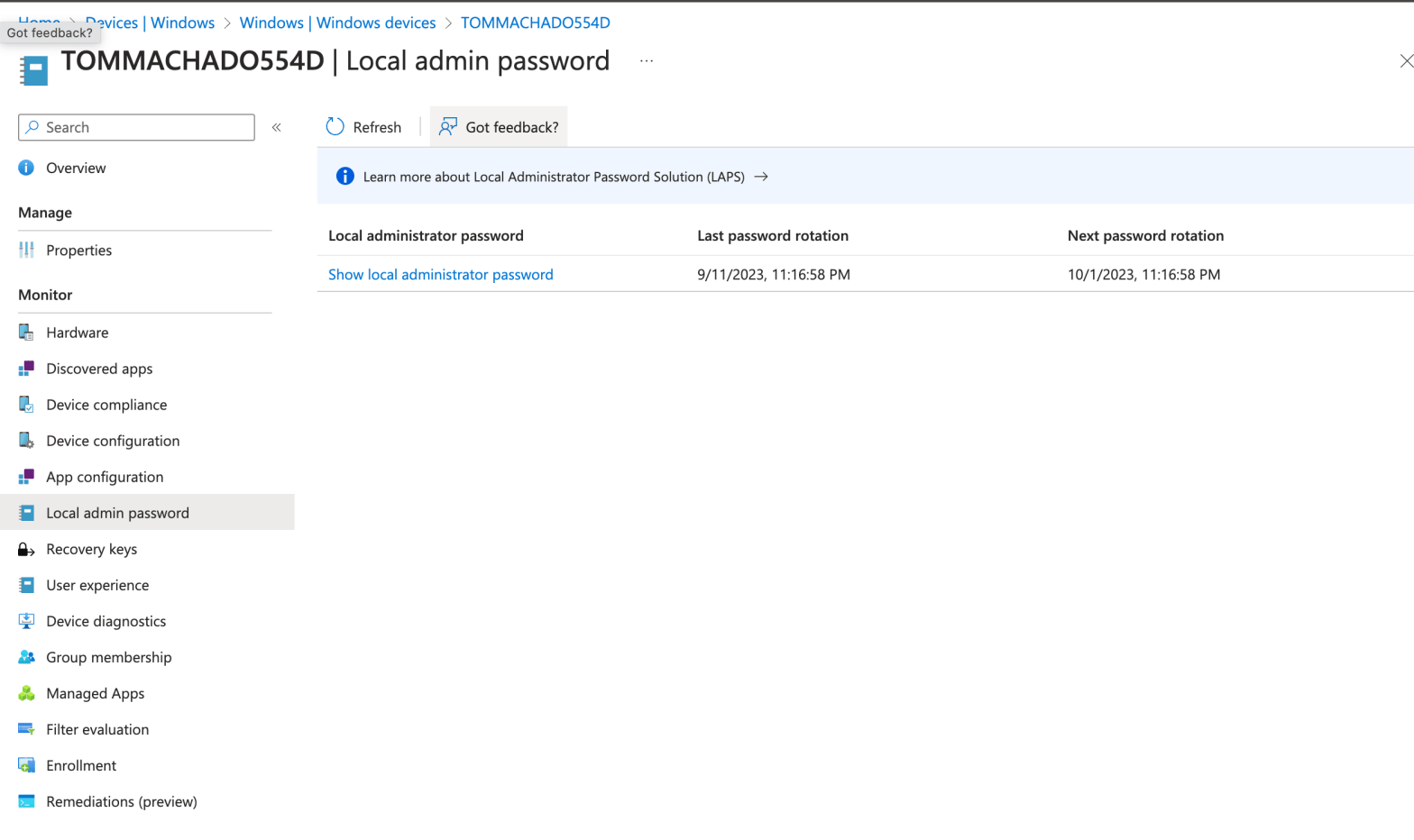
I’ve met this scenario with multiple customers in the past using the WindowsLAPS feature : How to manually initiate a local password rotation on multiple devices. I’m wiritng this post also because i had discussions with IT guys looking for a scripting way to do it recently. Goal : Initiate this rotation below but onContinue reading “Run bulk local passwords rotations from Intune with WindowsLAPS, Powershell and Graph API”
Leverage Power Automate and Intune custom attributes to add macOS devices to EntraID groups automatically
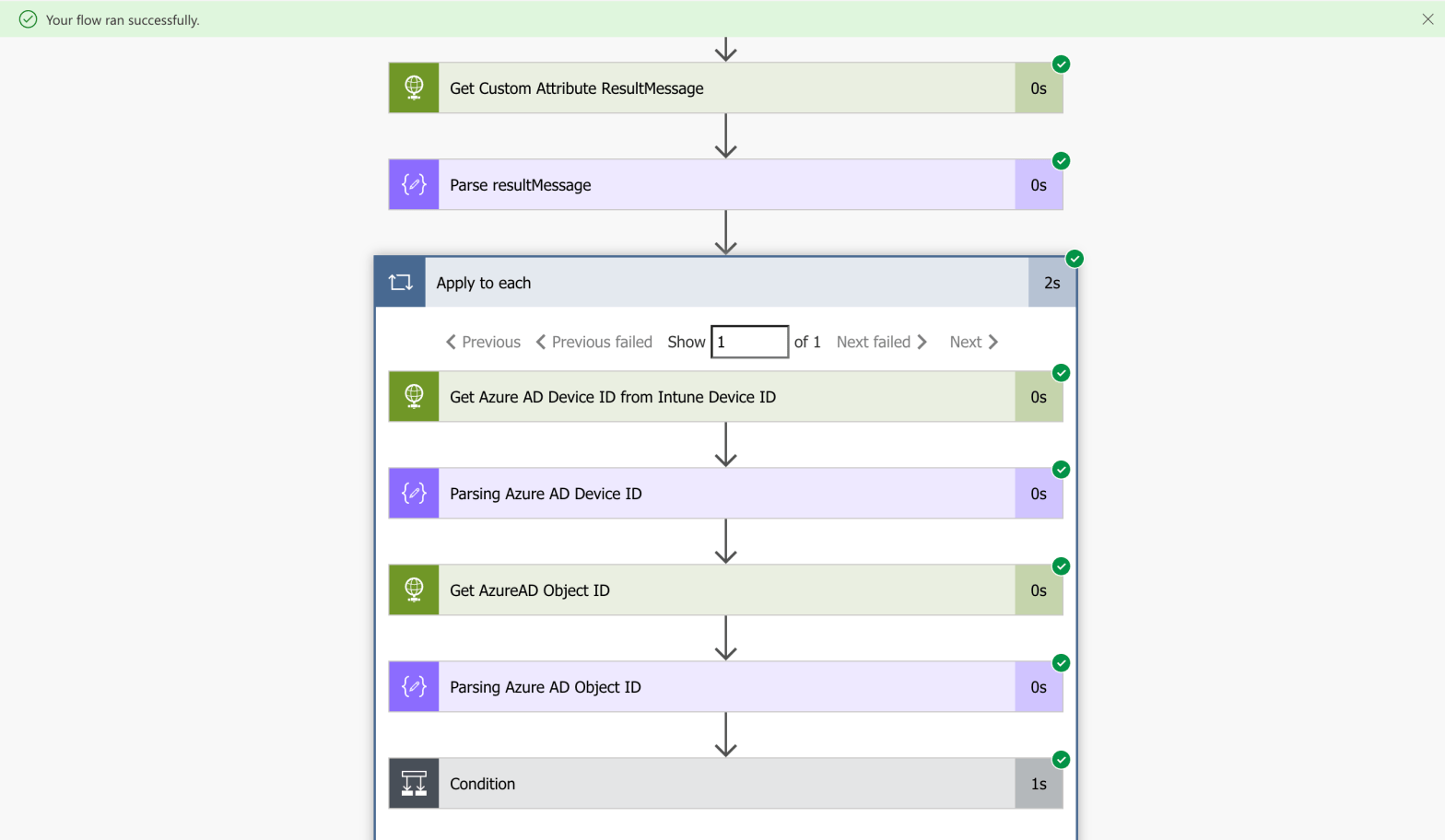
EntraID (Azure AD) dynamic groups is very handy when it comes to automate group membership. Eventhough the possibilities are many (Autopilot, manufacturer, AD attributes, ExtensionAttribute, more), there is no way to use dynamic groups with Intune macOS custom attributes natively (for now ?). You have created your custom attributes, it’s running fine. You succeded toContinue reading “Leverage Power Automate and Intune custom attributes to add macOS devices to EntraID groups automatically”
Deploy Un-Managed macos Applications with Intune

New feature ! You can deploy un-managed applications on macos with Intune leveraging the Intune MDM Agent. It doesn’t take the MDM check-in path but it uses the Intune MDM Agent one. We’ll have a look into the Intune MDM Daemon. This will impact the sync frequences of your non-managed applications deployments, we’ll get there.Continue reading “Deploy Un-Managed macos Applications with Intune”
Secure macos devices with custom configuration profiles and Intune

Intune native templates are easy to use and offer multiple possibilities to configure your macos devices. Also, settings catalog is getting bigger and bigger every month as Microsoft invest time and effort to gather most settings possible. Use a custom profile can be usefull to gather multiple settings through multiple payloads. Export these settings inContinue reading “Secure macos devices with custom configuration profiles and Intune”
 Poem to MDM