
Looking for more Intune automation ? You’re in the right place. Here is a usecase that multiple customers encounter. What about the stolen or lost devices ? Let’s automate, considering real-life processes, remote actions for these devices. What do we need ? Of course Microsoft Graph. A registered application in Entra with Remote Actions permissions,Continue reading “Intune + Power Automate : Automate Wipe Remote Action for Lost Devices”
Category Archives: Graph API
Monitor and Track Cloud PC Usage from Intune in Bulk Effectively

Amazing are the Cloud PCs. Top features, it fits with a lot of the use cases, great support from Microsoft and what a great experience it is. You have deployed multiple Cloud PCs in your organization. However, once deployed, some Cloud PCs may not be used as frequently as expected, leading to inefficiencies and unnecessaryContinue reading “Monitor and Track Cloud PC Usage from Intune in Bulk Effectively”
Safely Handle and Disable Stale Windows Devices
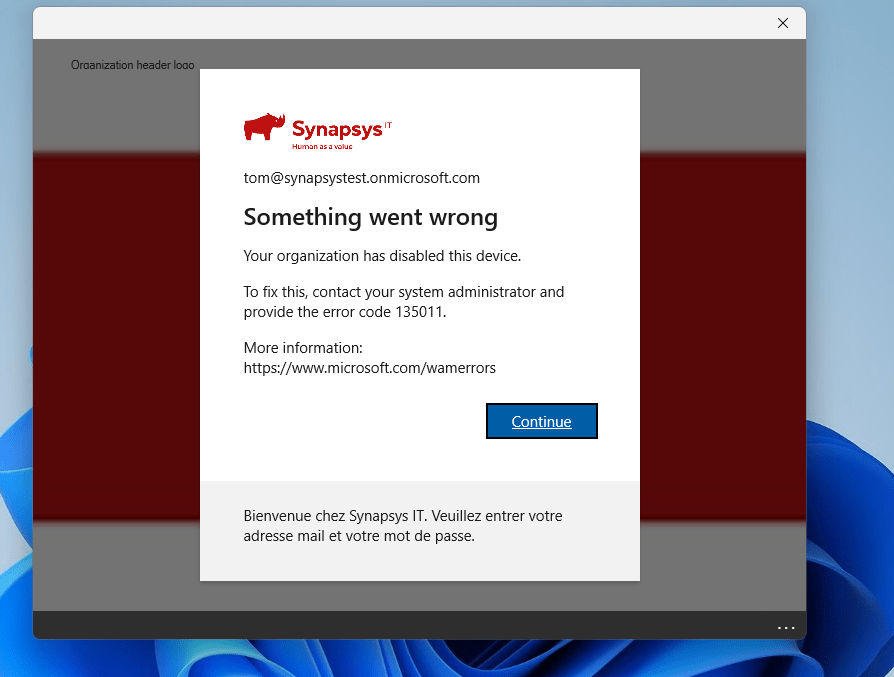
I understand and respect that the customers I work with prefer a more gradual, step-by-step approach than just delete the stale devices. This makes sense, as there are legal requirements to keep devices in the ecosystem for a certain period. Moreover, once a device is deleted, the action cannot be undone. After multiple discussions, weContinue reading “Safely Handle and Disable Stale Windows Devices”
Cleaning Up 12K Duplicate Devices in Intune : Challenge Accepted
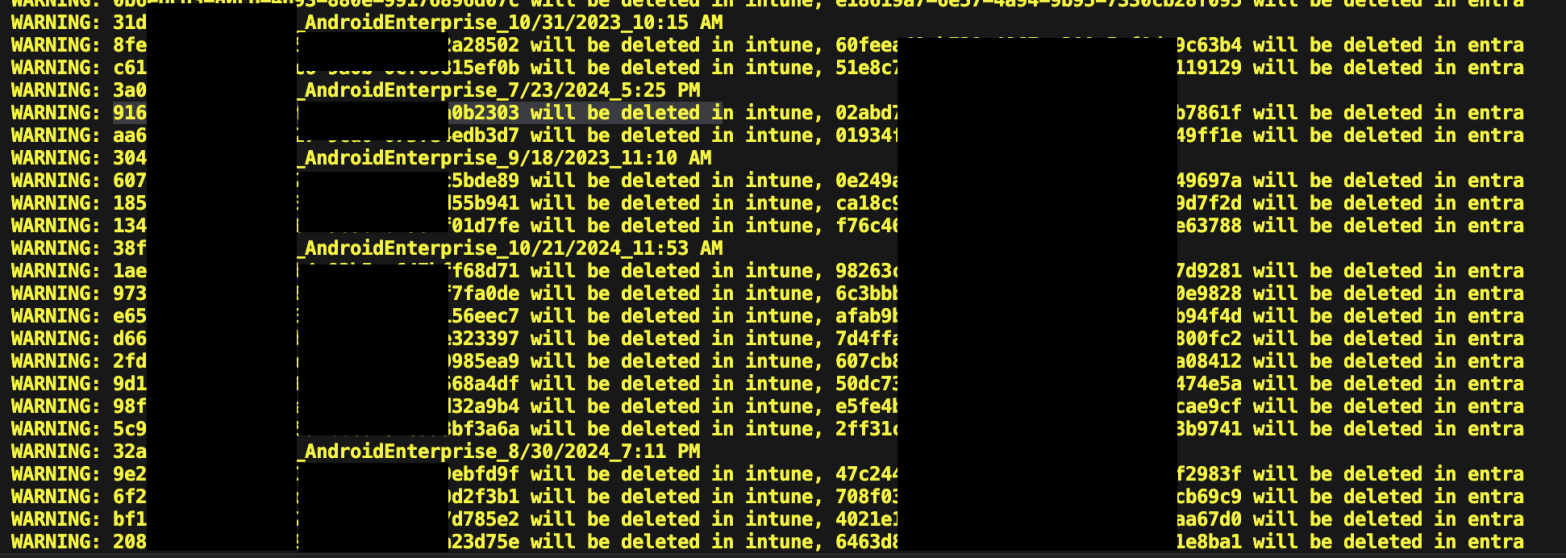
Common scenario. You have a device that has been enrolled and actively used. You reset or re-image it to test something from a fresh start. After re-enrolling the device, you check Intune. Oh wow, there are two entries : the original and a newly created one. Each has a different object ID, even though theyContinue reading “Cleaning Up 12K Duplicate Devices in Intune : Challenge Accepted”
Simplified Intune Monitoring with Power Automate and Graph API

Managing an Intune environment ? Delegating tasks becomes essential as your setup evolves. To keep a close watch on Intune actions, this guide walks you through setting up an automated monitoring system. Stay on top of changes in crucial areas like applications, configurations, and rings with ease for seamless management and enhanced security. At theContinue reading “Simplified Intune Monitoring with Power Automate and Graph API”
Efficiency Unleashed : Create Intune Configuration Profiles with Powershell
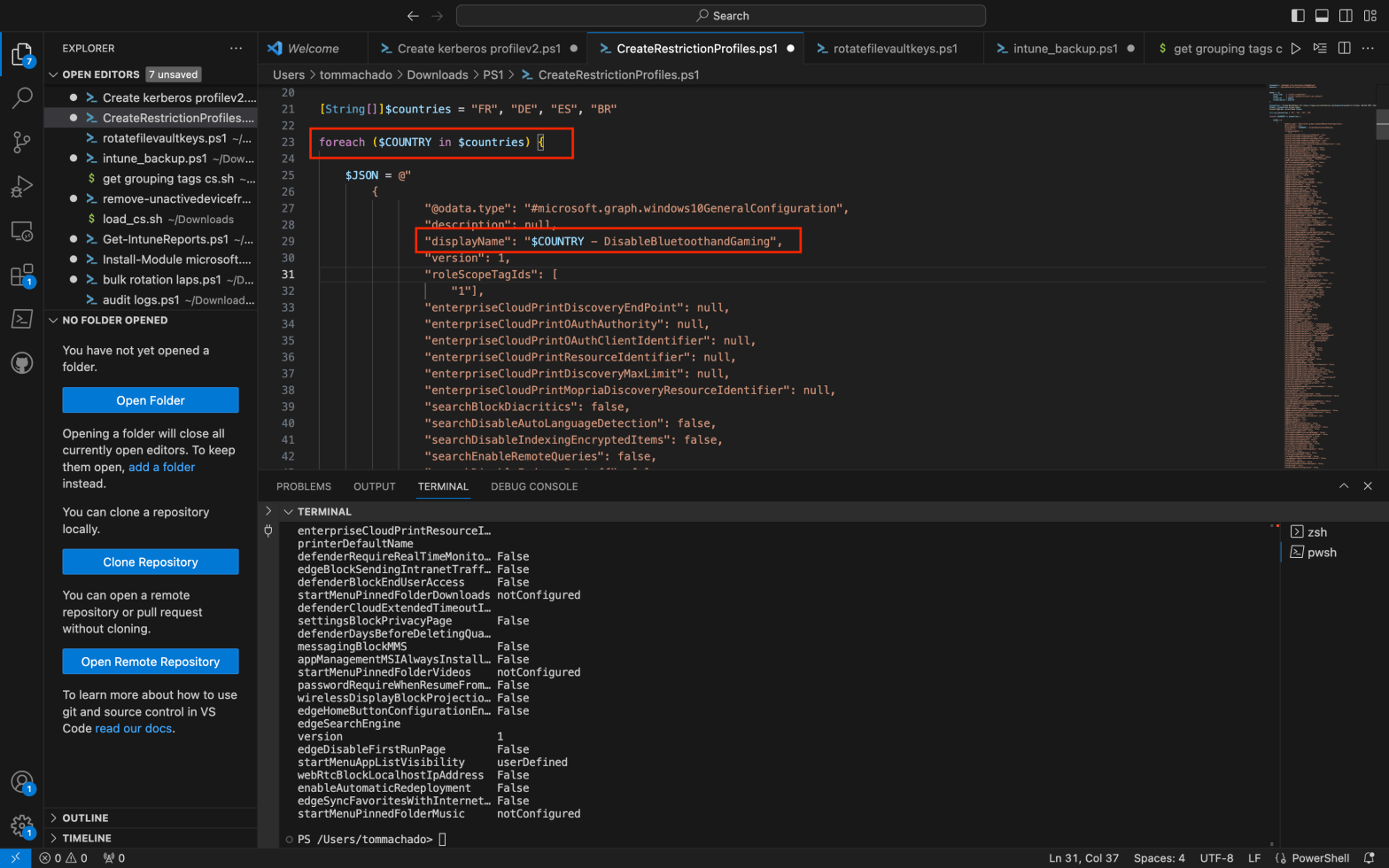
You’re looking for automating configuration profiles creation ? You came to the right place. Imagine having a multitude of configuration profiles to generate and wanting to simplify the process with PowerShell. Additionally, you aim to efficiently assign these profiles to various groups and include a scope tag for each of them. If you’re as enthusiasticContinue reading “Efficiency Unleashed : Create Intune Configuration Profiles with Powershell”
Unlocking Windows LAPS: How to Safeguard Local Passwords with Administrative Units
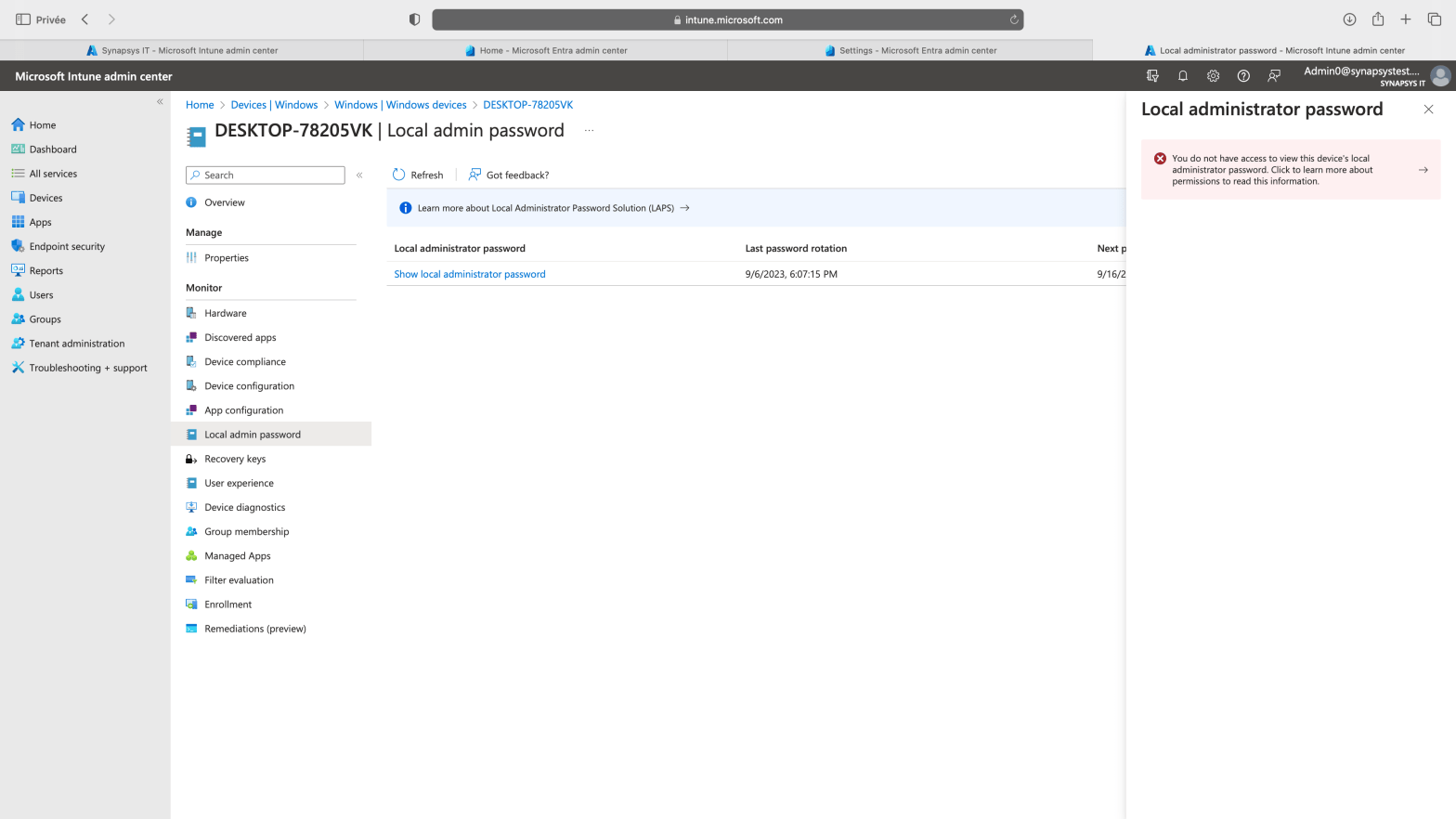
Windows LAPS (Local Administrator Password Solution) has recently become generally available, introducing a robust and intriguing design built on multiple DLLs and functions. Numerous resources exist that detail how to enable and utilize this feature. In this blog post, we will explore a crucial aspect of Windows LAPS – how to delegate access to theContinue reading “Unlocking Windows LAPS: How to Safeguard Local Passwords with Administrative Units”
Run bulk local passwords rotations from Intune with WindowsLAPS, Powershell and Graph API
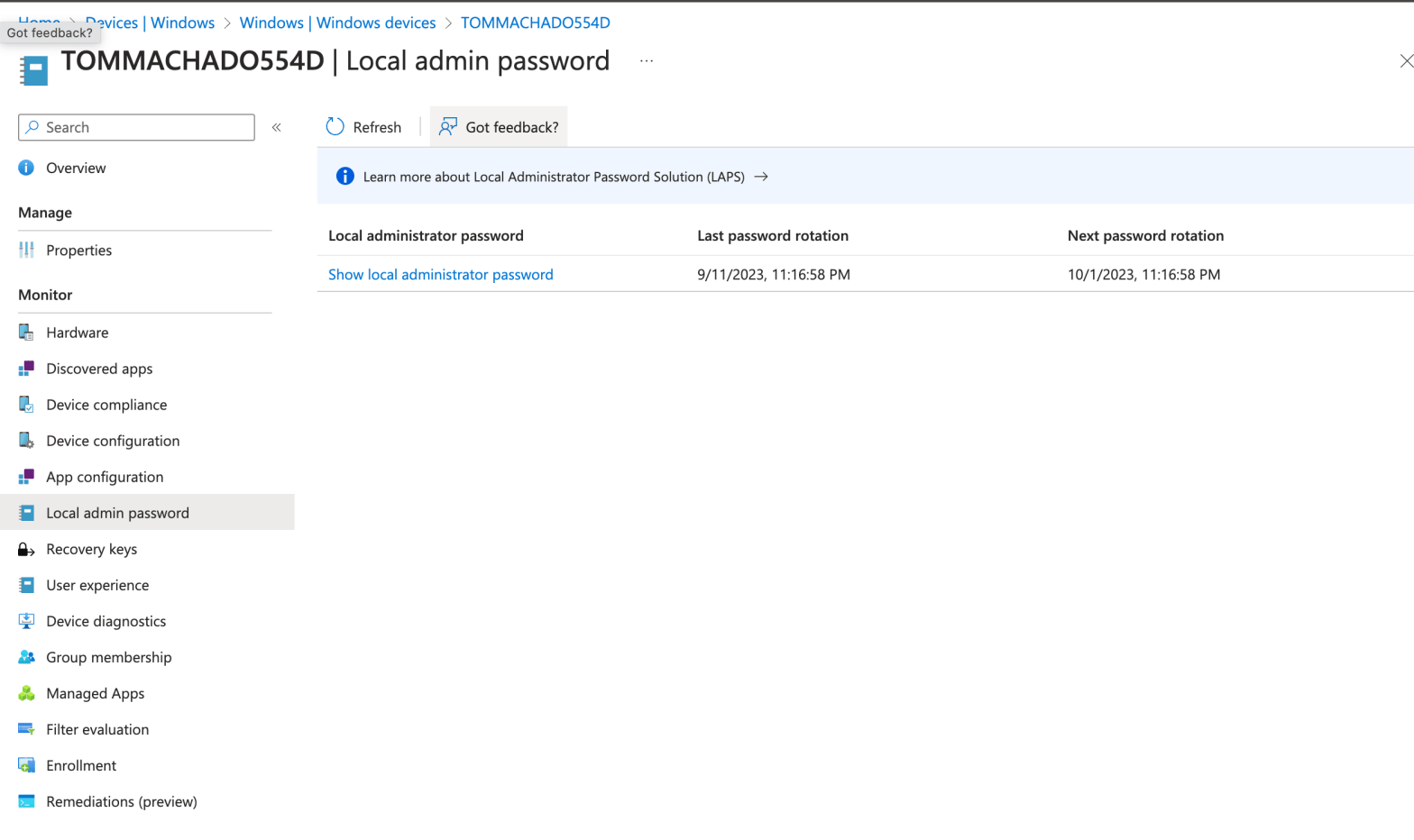
I’ve met this scenario with multiple customers in the past using the WindowsLAPS feature : How to manually initiate a local password rotation on multiple devices. I’m wiritng this post also because i had discussions with IT guys looking for a scripting way to do it recently. Goal : Initiate this rotation below but onContinue reading “Run bulk local passwords rotations from Intune with WindowsLAPS, Powershell and Graph API”
Leverage Power Automate and Intune custom attributes to add macOS devices to EntraID groups automatically
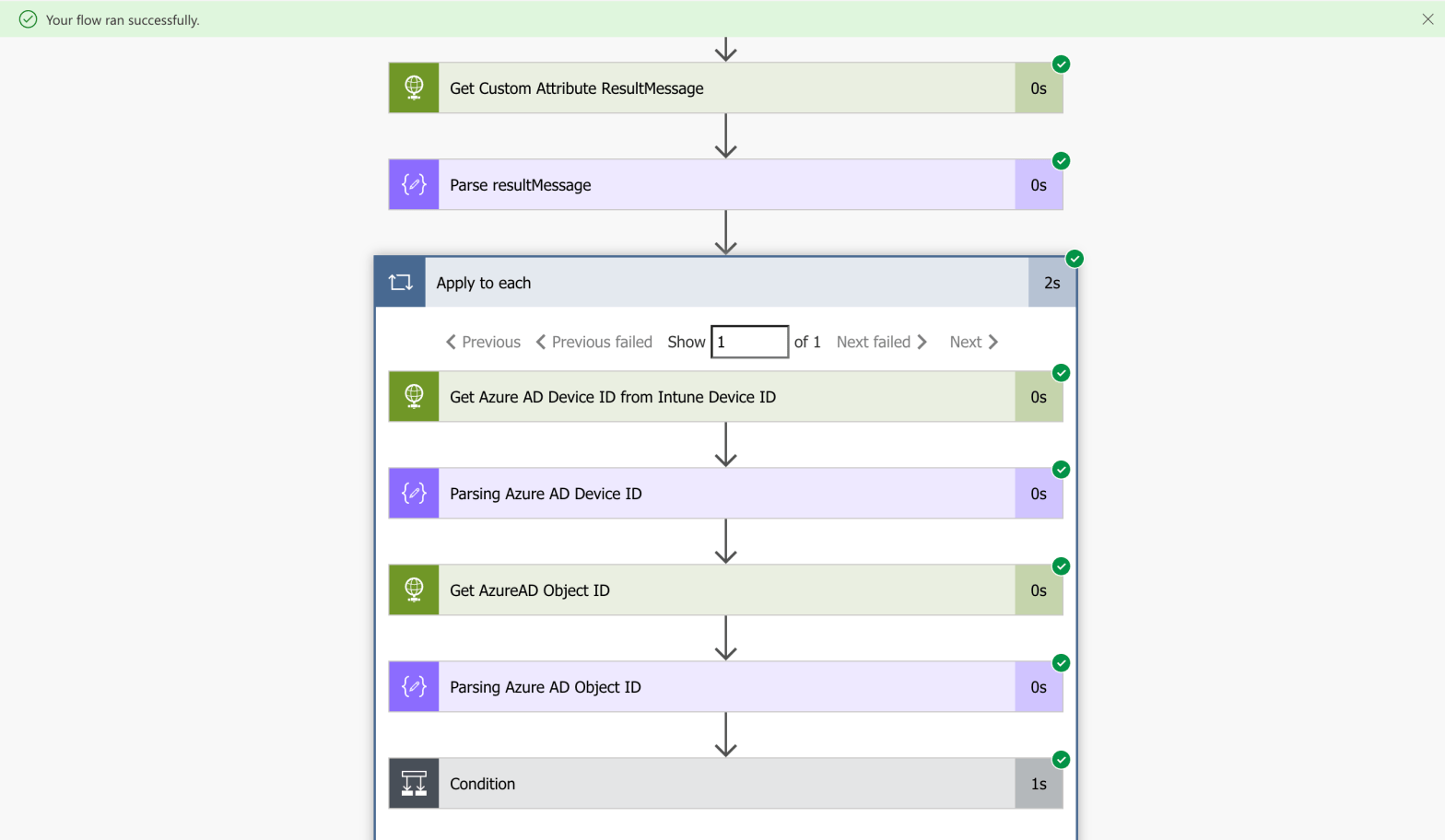
EntraID (Azure AD) dynamic groups is very handy when it comes to automate group membership. Eventhough the possibilities are many (Autopilot, manufacturer, AD attributes, ExtensionAttribute, more), there is no way to use dynamic groups with Intune macOS custom attributes natively (for now ?). You have created your custom attributes, it’s running fine. You succeded toContinue reading “Leverage Power Automate and Intune custom attributes to add macOS devices to EntraID groups automatically”
My thoughts on the Powershell Scripts feature using MS Graph
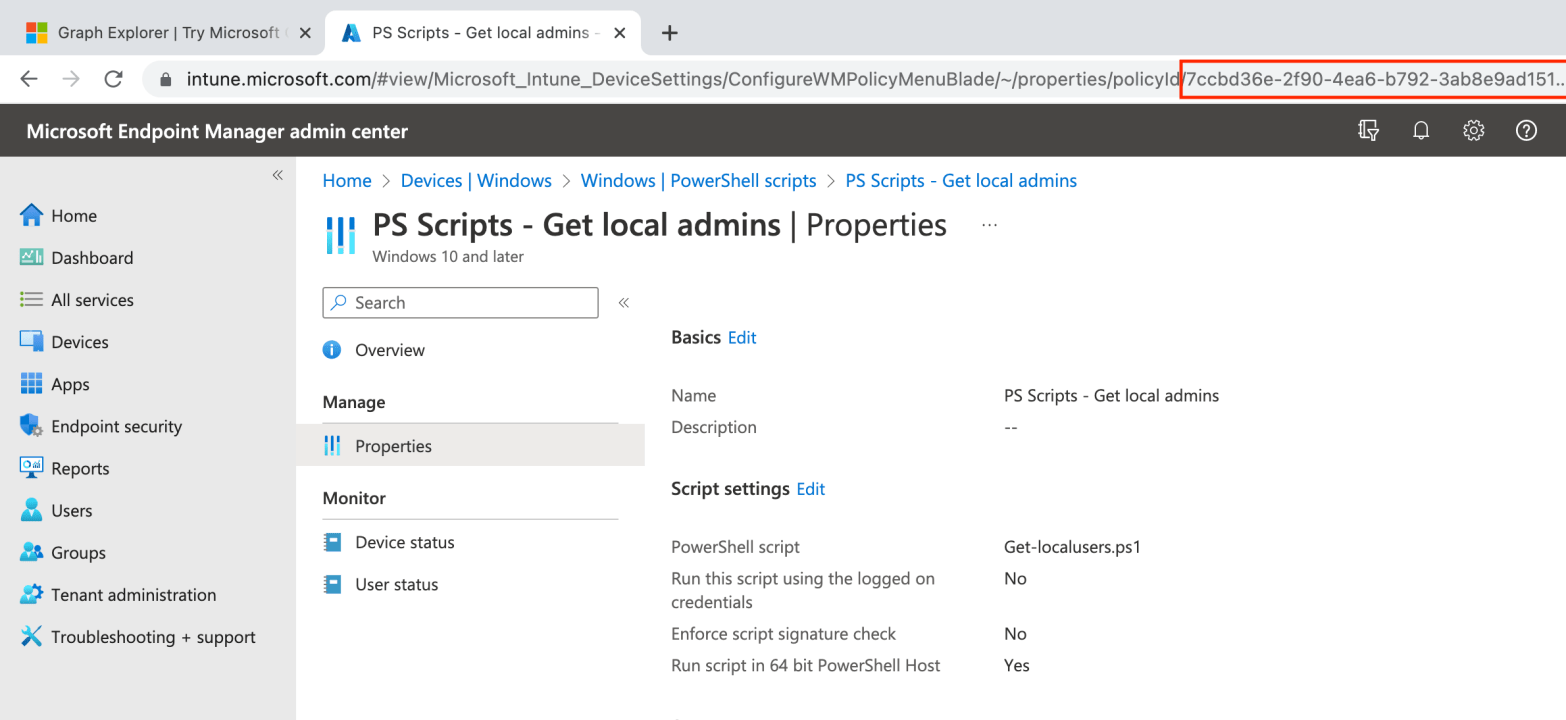
I struggled to understand the usecases behind the Powershell Scripts feature in the first place. Technically, i get it. It gives me the possbility to perform tasks on remote managed workstation using a powershell script. However, from the Intune portal, i could not find a proper way to leverage the feature with a relevant reportingContinue reading “My thoughts on the Powershell Scripts feature using MS Graph”
 Poem to MDM