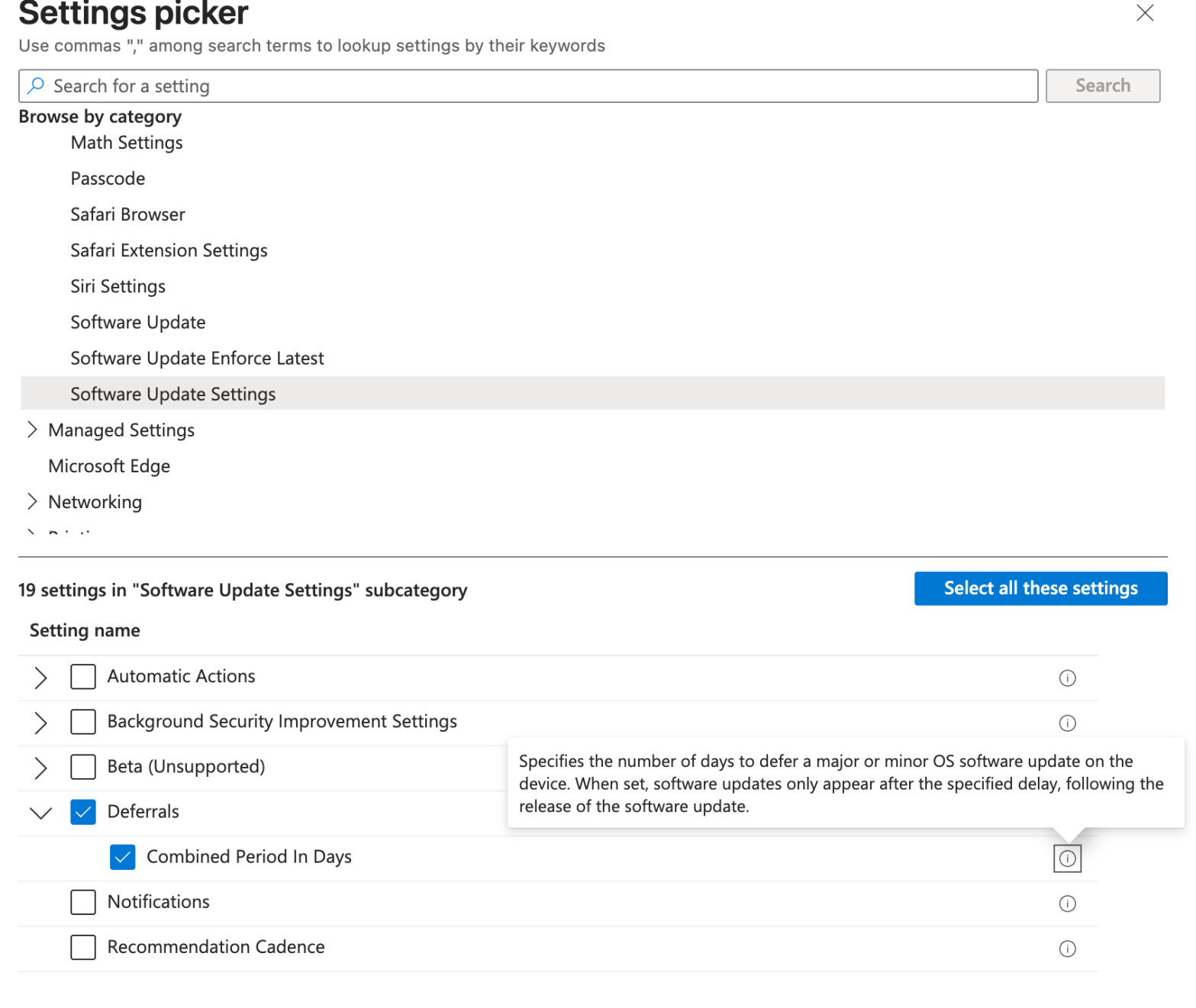
Working with a customer recently, I’ve experienced a behavior that has impacted multiple iOS/iPadOS and macOS devices. The Bad Apple released a software update and it was offered to all devices the first day of the release despite the DDM policies not targetting that build version. In addition i used to leverage the legacy policyContinue reading “Hide Apple updates with Microsoft Intune DDM policies for iOS and macOS”
Category Archives: Intune
Hide Windows Settings Menus Easily
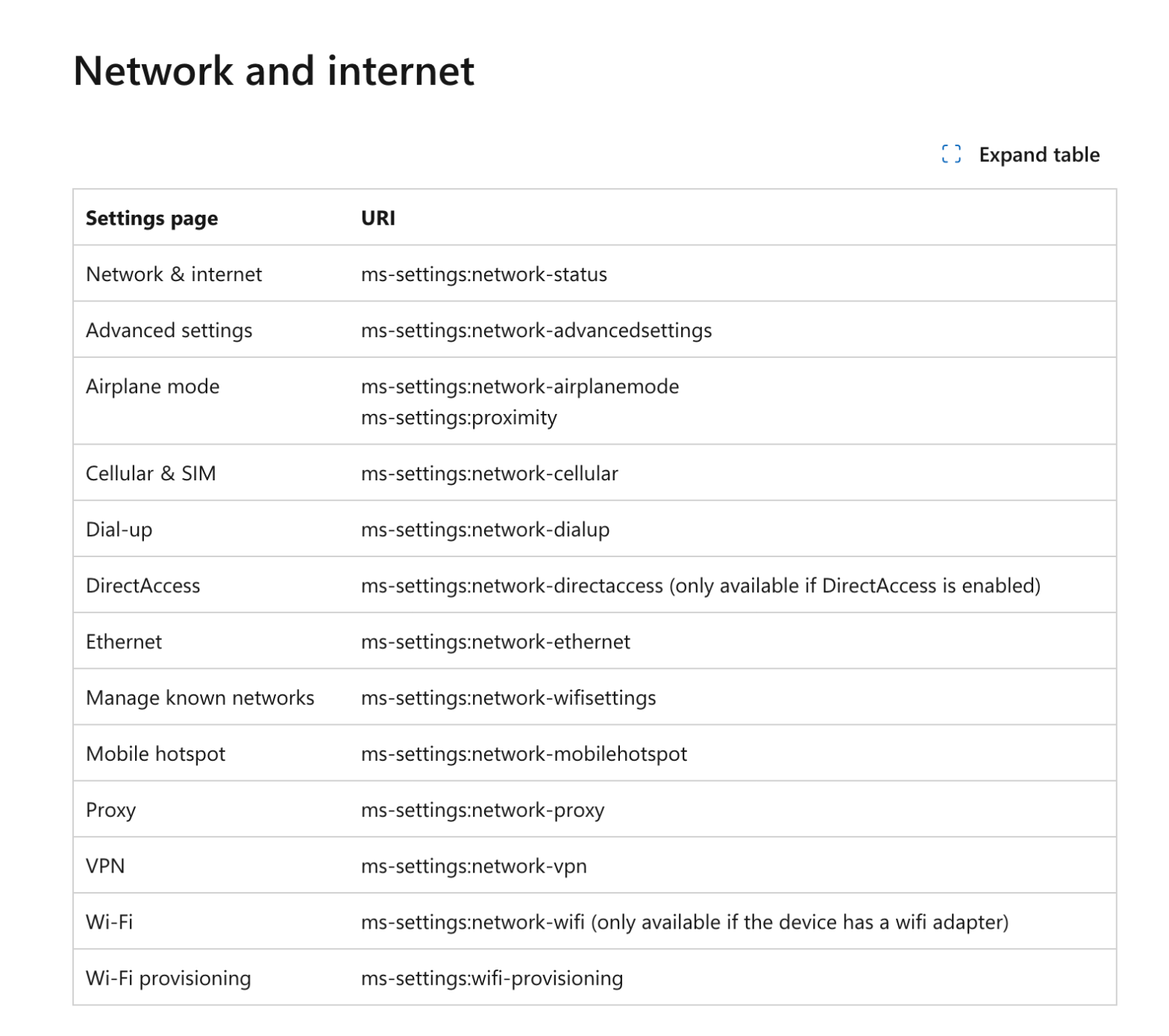
It’s a request i got often from multiple customers : “I do not want users to be able to open this menu, just remove it from the settings menu”. Sure ! Consider it done. Know your ennemy How these menus are named ? Microsoft did a great job by listing all the menu little names.Continue reading “Hide Windows Settings Menus Easily”
Block macOS Unwanted Applications using Microsoft Intune and Santa
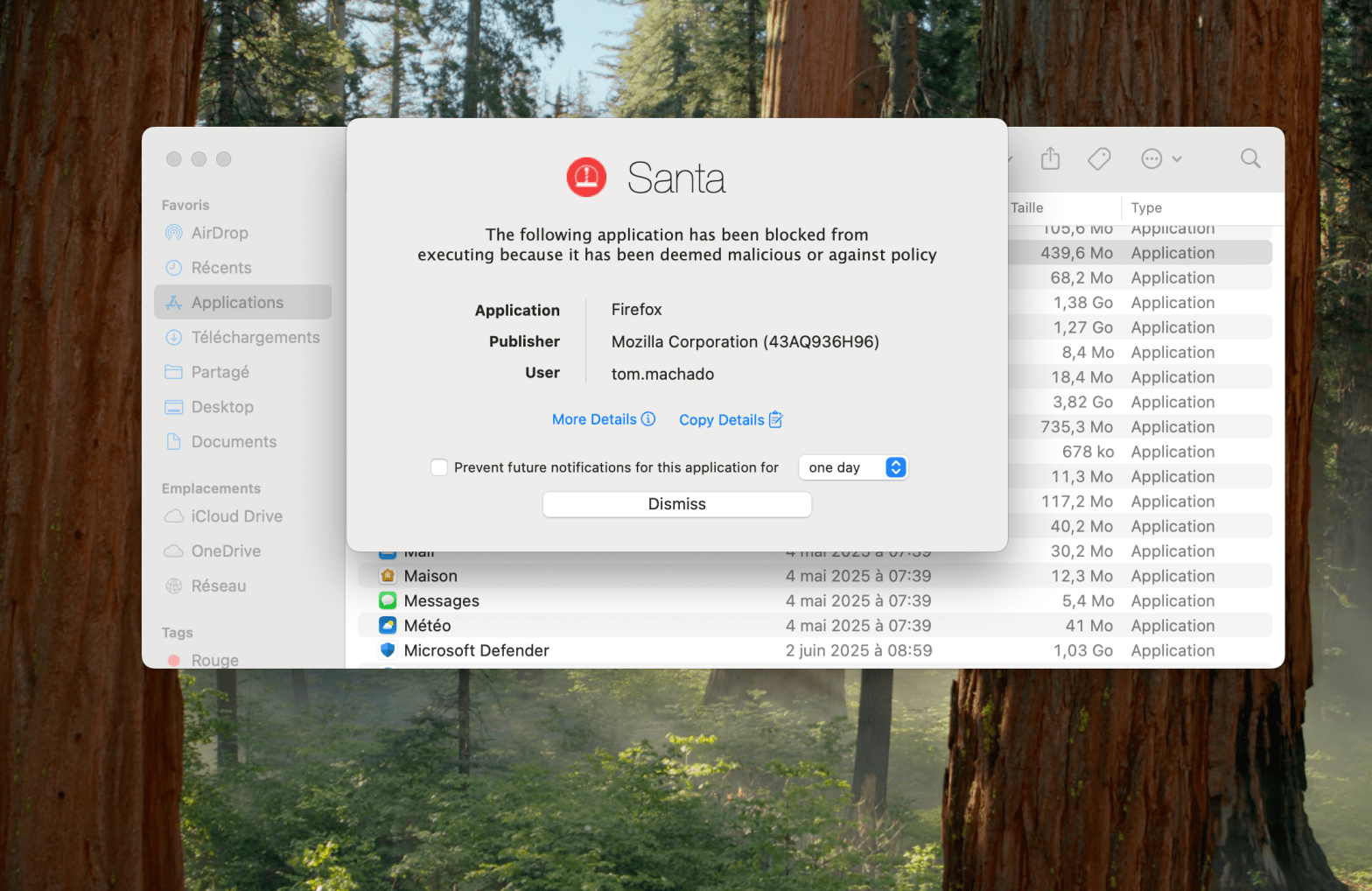
It’s a bit hot for Santa right ? What about your gift ? Here it is : The ability to block undesired applications on your managed macOS devices. Have you ever wanted to prevent your users to run application you don’t allow in your organization ? Let’s do that together. What is Santa ? SantaContinue reading “Block macOS Unwanted Applications using Microsoft Intune and Santa”
Customize Your macOS Dock with Microsoft Intune

Looking for customize Dock on managed macOS devices ? It’s a request from multiple customers i worked with who aimed to highlight some business applications, folders shortcuts, Microsoft applications, etc in the Dock. Want to do it Microsoft Intune ? Right place ! Persistent or Static First thing before creating the profile, let’s understand theContinue reading “Customize Your macOS Dock with Microsoft Intune”
Intune + Power Automate : Automate Wipe Remote Action for Lost Devices

Looking for more Intune automation ? You’re in the right place. Here is a usecase that multiple customers encounter. What about the stolen or lost devices ? Let’s automate, considering real-life processes, remote actions for these devices. What do we need ? Of course Microsoft Graph. A registered application in Entra with Remote Actions permissions,Continue reading “Intune + Power Automate : Automate Wipe Remote Action for Lost Devices”
Monitor and Track Cloud PC Usage from Intune in Bulk Effectively

Amazing are the Cloud PCs. Top features, it fits with a lot of the use cases, great support from Microsoft and what a great experience it is. You have deployed multiple Cloud PCs in your organization. However, once deployed, some Cloud PCs may not be used as frequently as expected, leading to inefficiencies and unnecessaryContinue reading “Monitor and Track Cloud PC Usage from Intune in Bulk Effectively”
Safely Handle and Disable Stale Windows Devices
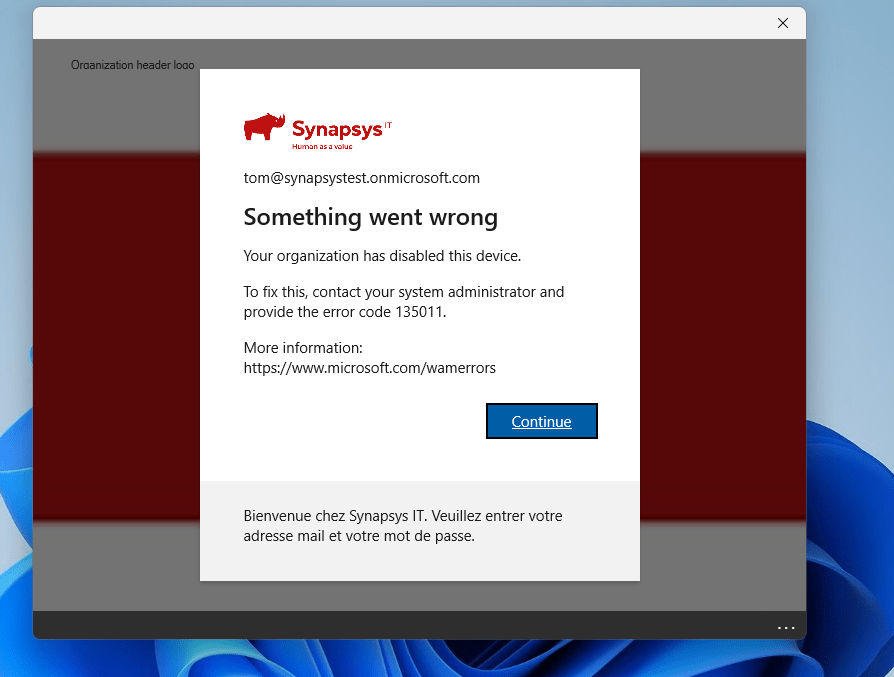
I understand and respect that the customers I work with prefer a more gradual, step-by-step approach than just delete the stale devices. This makes sense, as there are legal requirements to keep devices in the ecosystem for a certain period. Moreover, once a device is deleted, the action cannot be undone. After multiple discussions, weContinue reading “Safely Handle and Disable Stale Windows Devices”
Cleaning Up 12K Duplicate Devices in Intune : Challenge Accepted
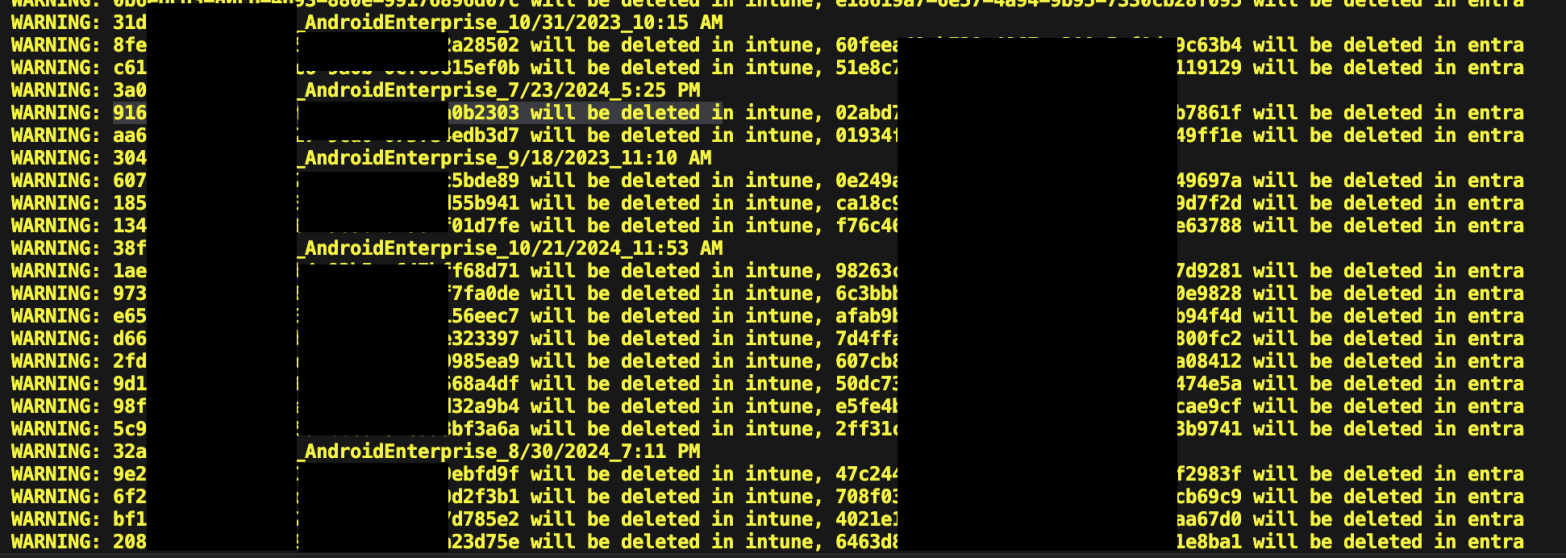
Common scenario. You have a device that has been enrolled and actively used. You reset or re-image it to test something from a fresh start. After re-enrolling the device, you check Intune. Oh wow, there are two entries : the original and a newly created one. Each has a different object ID, even though theyContinue reading “Cleaning Up 12K Duplicate Devices in Intune : Challenge Accepted”
Intune MAM Policies : The Key to Protecting Data on Unmanaged Devices
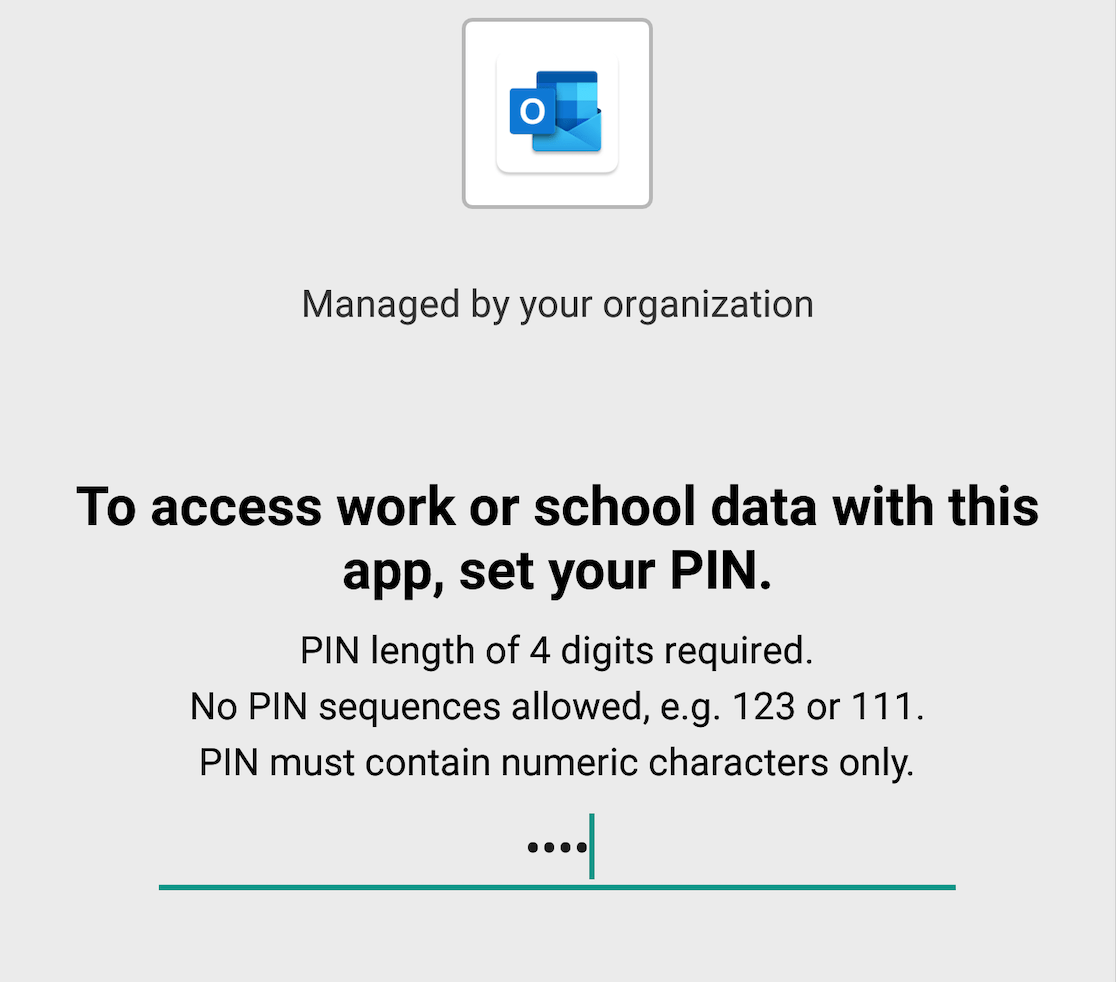
Mobile Application Management (MAM) policies are a set of rules that control how users can access and use corporate data on their mobile devices. MAM policies help to protect corporate data from unauthorized access, leakage, or loss, especially on unmanaged devices that are not enrolled in a mobile device management (MDM) solution. Because this isContinue reading “Intune MAM Policies : The Key to Protecting Data on Unmanaged Devices”
Guard Your Corporate Data : Put an End to Unauthorized Access on Personal Devices with Conditional Access
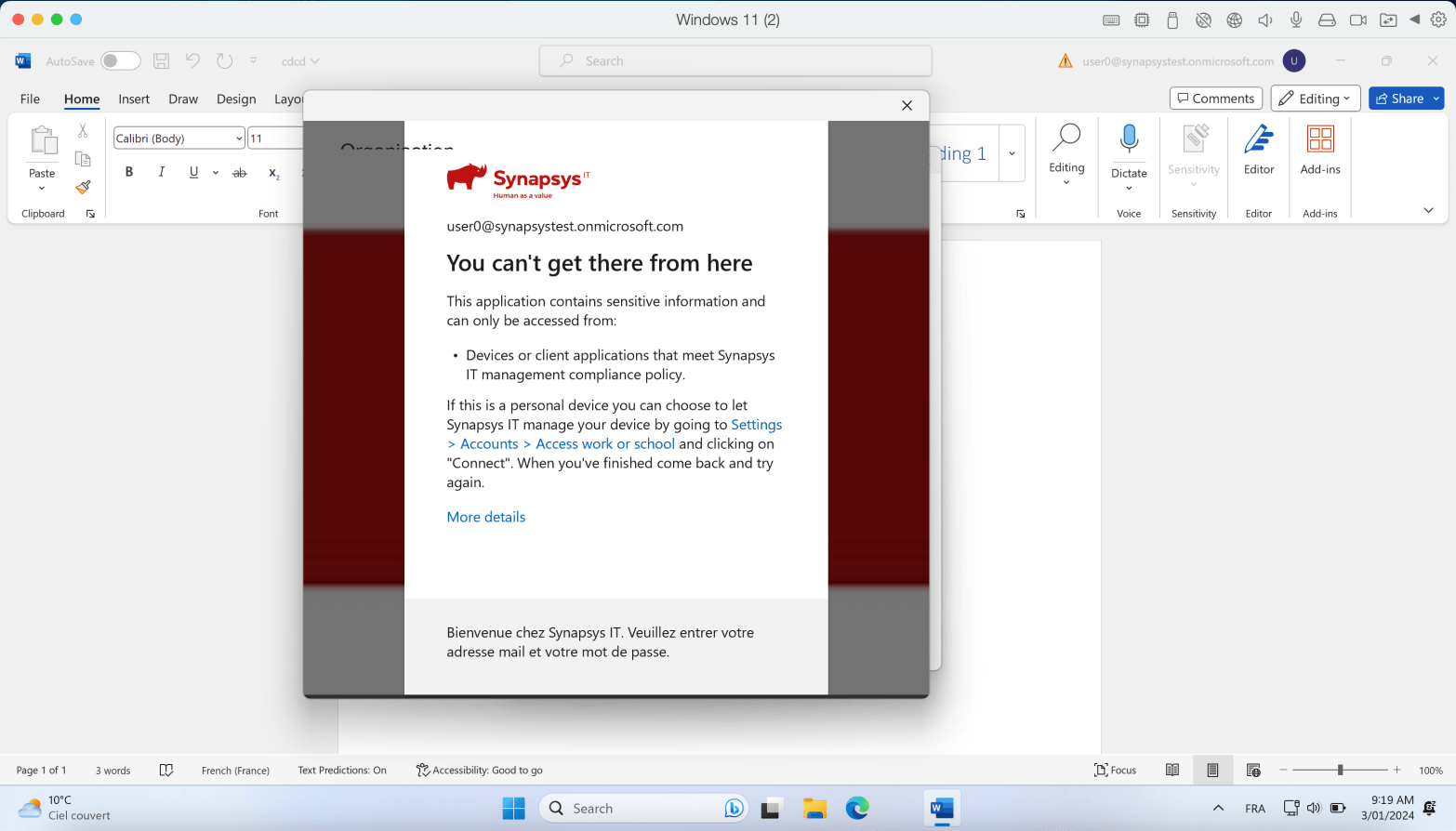
Conditional Access rules are a key tool for securing corporate data. One of my favorites rules is the “Require the device to be compliant” rule. Here’s the idea : Your device needs to be enrolled in Intune and meet specific compliance rules you’ve set. This ensures that only managed devices can access company data, keepingContinue reading “Guard Your Corporate Data : Put an End to Unauthorized Access on Personal Devices with Conditional Access”
 Poem to MDM