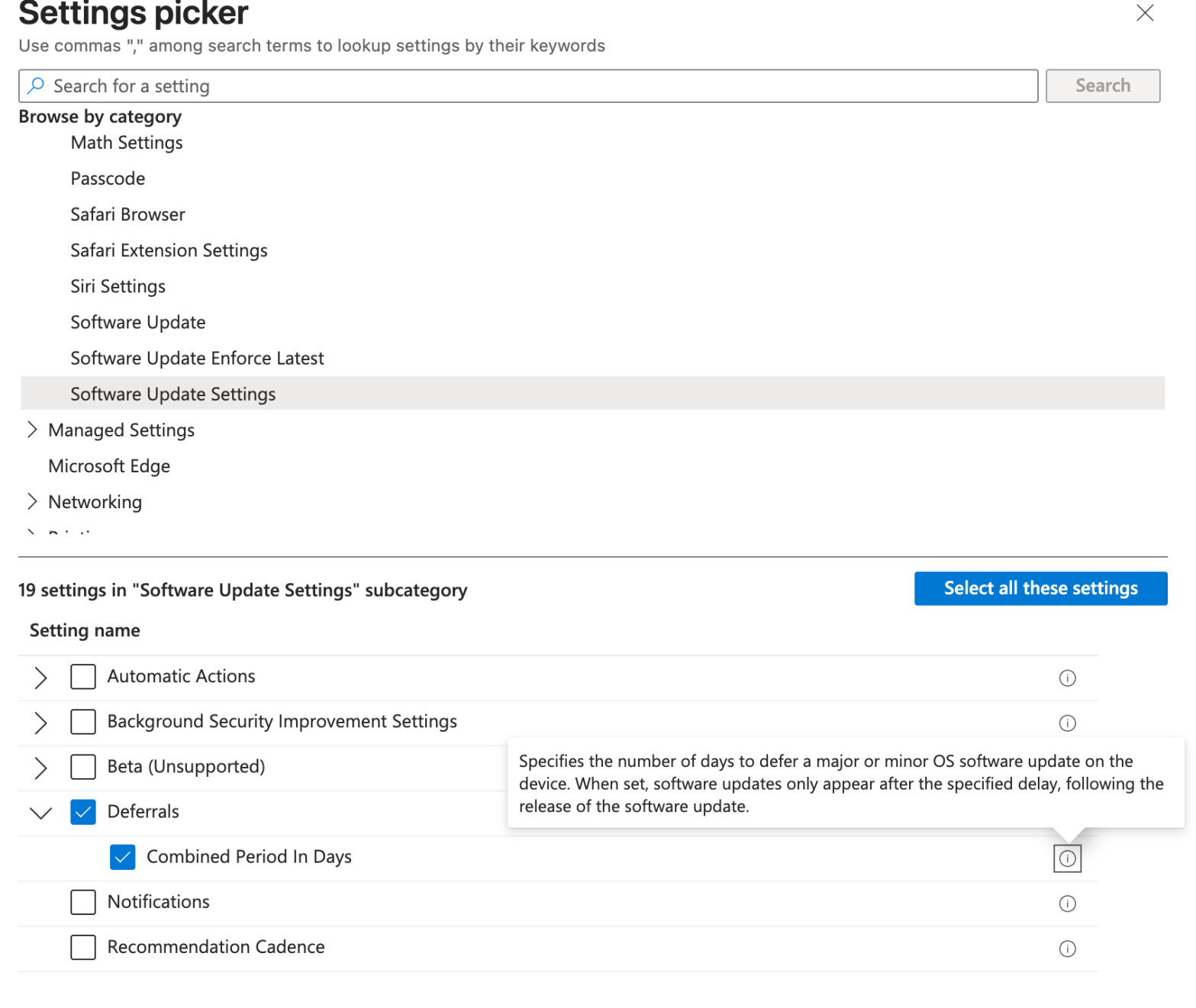
Working with a customer recently, I’ve experienced a behavior that has impacted multiple iOS/iPadOS and macOS devices. The Bad Apple released a software update and it was offered to all devices the first day of the release despite the DDM policies not targetting that build version. In addition i used to leverage the legacy policyContinue reading “Hide Apple updates with Microsoft Intune DDM policies for iOS and macOS”
Category Archives: MAC
Block macOS Unwanted Applications using Microsoft Intune and Santa
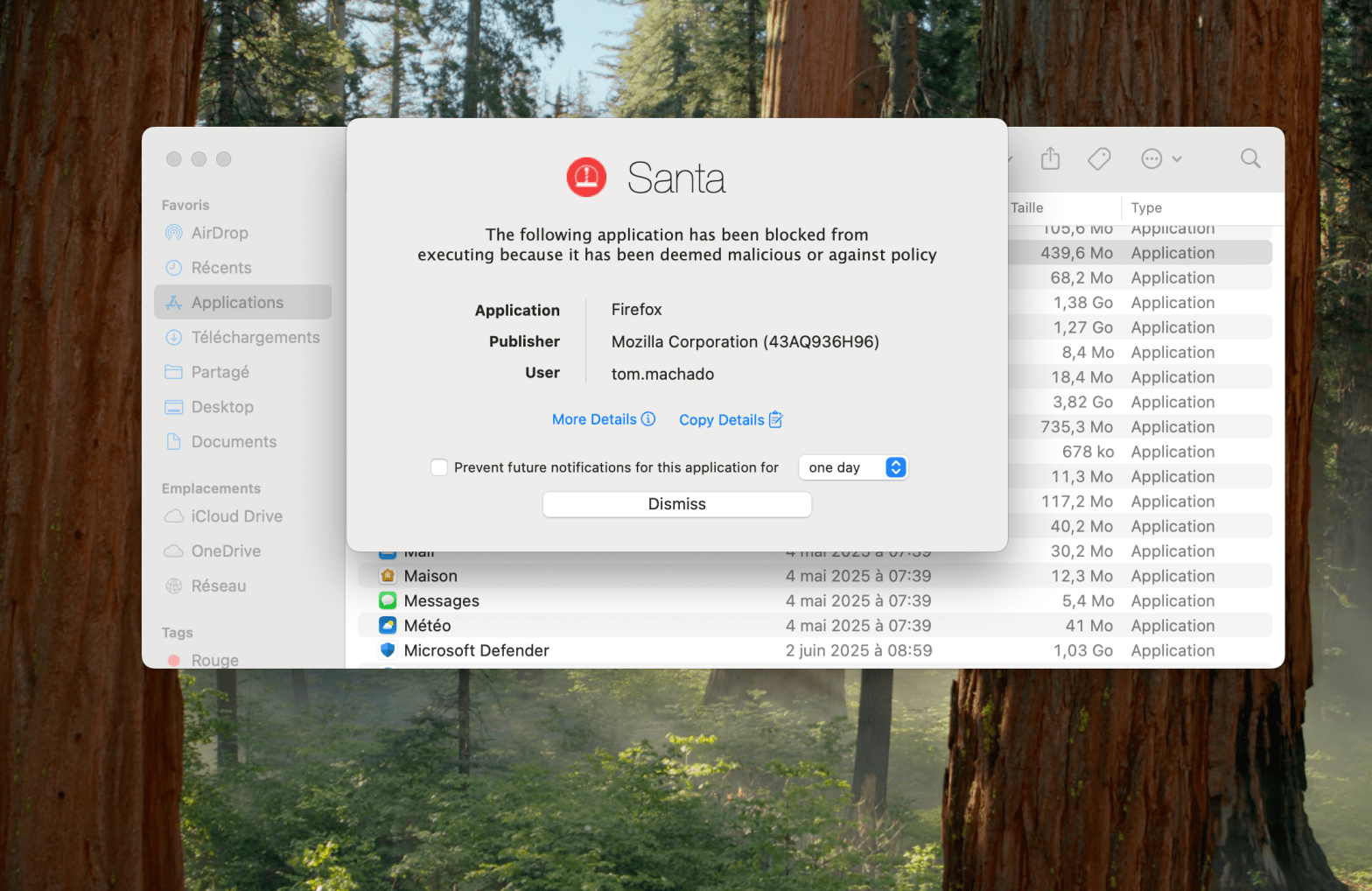
It’s a bit hot for Santa right ? What about your gift ? Here it is : The ability to block undesired applications on your managed macOS devices. Have you ever wanted to prevent your users to run application you don’t allow in your organization ? Let’s do that together. What is Santa ? SantaContinue reading “Block macOS Unwanted Applications using Microsoft Intune and Santa”
Customize Your macOS Dock with Microsoft Intune

Looking for customize Dock on managed macOS devices ? It’s a request from multiple customers i worked with who aimed to highlight some business applications, folders shortcuts, Microsoft applications, etc in the Dock. Want to do it Microsoft Intune ? Right place ! Persistent or Static First thing before creating the profile, let’s understand theContinue reading “Customize Your macOS Dock with Microsoft Intune”
Guard Your Corporate Data : Put an End to Unauthorized Access on Personal Devices with Conditional Access
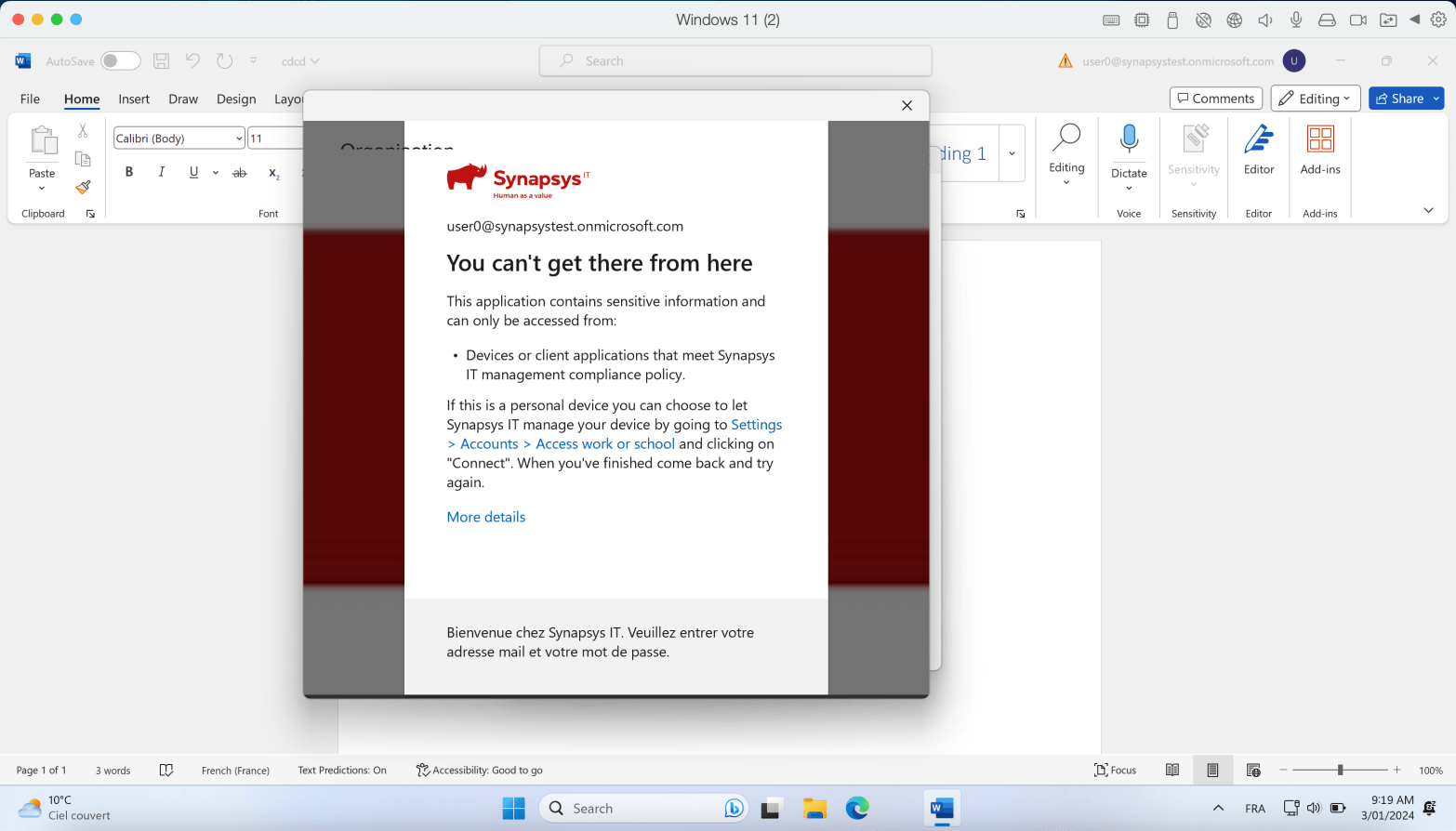
Conditional Access rules are a key tool for securing corporate data. One of my favorites rules is the “Require the device to be compliant” rule. Here’s the idea : Your device needs to be enrolled in Intune and meet specific compliance rules you’ve set. This ensures that only managed devices can access company data, keepingContinue reading “Guard Your Corporate Data : Put an End to Unauthorized Access on Personal Devices with Conditional Access”
Effortless Browser Management : Enabling Auto Updates for Google Chrome on macOS with Intune

In today’s dynamic digital landscape, staying ahead with up-to-date software is vital for security and optimal performance. For organizations relying on Google Chrome, an efficient and automated update process is a must. This guide takes you through forcing auto-updates for Google Chrome on macOS using Microsoft Intune, your favorite MDM solution. Elevate your security measuresContinue reading “Effortless Browser Management : Enabling Auto Updates for Google Chrome on macOS with Intune”
Leverage Power Automate and Intune custom attributes to add macOS devices to EntraID groups automatically
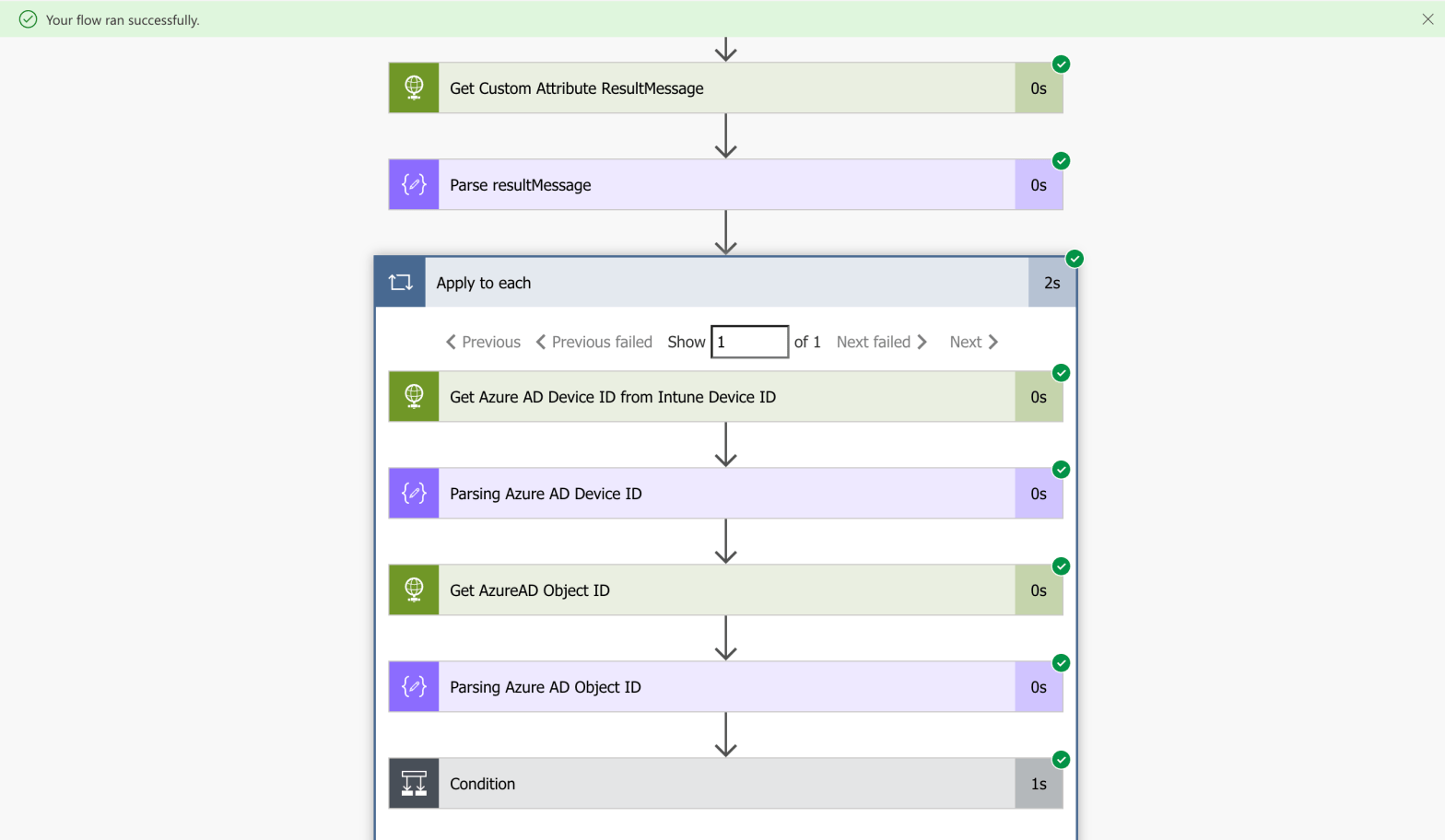
EntraID (Azure AD) dynamic groups is very handy when it comes to automate group membership. Eventhough the possibilities are many (Autopilot, manufacturer, AD attributes, ExtensionAttribute, more), there is no way to use dynamic groups with Intune macOS custom attributes natively (for now ?). You have created your custom attributes, it’s running fine. You succeded toContinue reading “Leverage Power Automate and Intune custom attributes to add macOS devices to EntraID groups automatically”
Deploy Un-Managed macos Applications with Intune

New feature ! You can deploy un-managed applications on macos with Intune leveraging the Intune MDM Agent. It doesn’t take the MDM check-in path but it uses the Intune MDM Agent one. We’ll have a look into the Intune MDM Daemon. This will impact the sync frequences of your non-managed applications deployments, we’ll get there.Continue reading “Deploy Un-Managed macos Applications with Intune”
Secure macos devices with custom configuration profiles and Intune

Intune native templates are easy to use and offer multiple possibilities to configure your macos devices. Also, settings catalog is getting bigger and bigger every month as Microsoft invest time and effort to gather most settings possible. Use a custom profile can be usefull to gather multiple settings through multiple payloads. Export these settings inContinue reading “Secure macos devices with custom configuration profiles and Intune”
Configure SSO with Intune on corporate macOS devices
MacOS devices are registered in Azure AD. Enduser is logged on with a local account. You can leverage JAMF Connect to log in using an AAD account, but without this kind of third-party tool, local session is the way. Eventhough the user affinity is established during the device enrollment, the enduser still use a localContinue reading “Configure SSO with Intune on corporate macOS devices”
Enroll a corporate MacOS device in Intune through Apple Business Manager

To manage the MacOS device at his full potential, you want to enroll it in a corporate way. It’s easier to enroll a MacOS device using the company portal (MS article here). But from an Intune perspective, the thing is you get a personnal device, not a corporate one. In this post, i enroll aContinue reading “Enroll a corporate MacOS device in Intune through Apple Business Manager”
 Poem to MDM