Frustated aren’t you ? You’re trying to get remotely a log file located in some deep folder locally on your managed workstations.
In this post, we will collect the file leveraging the “Device Diagnostics” feature.
How does Device Diagnotics work ?
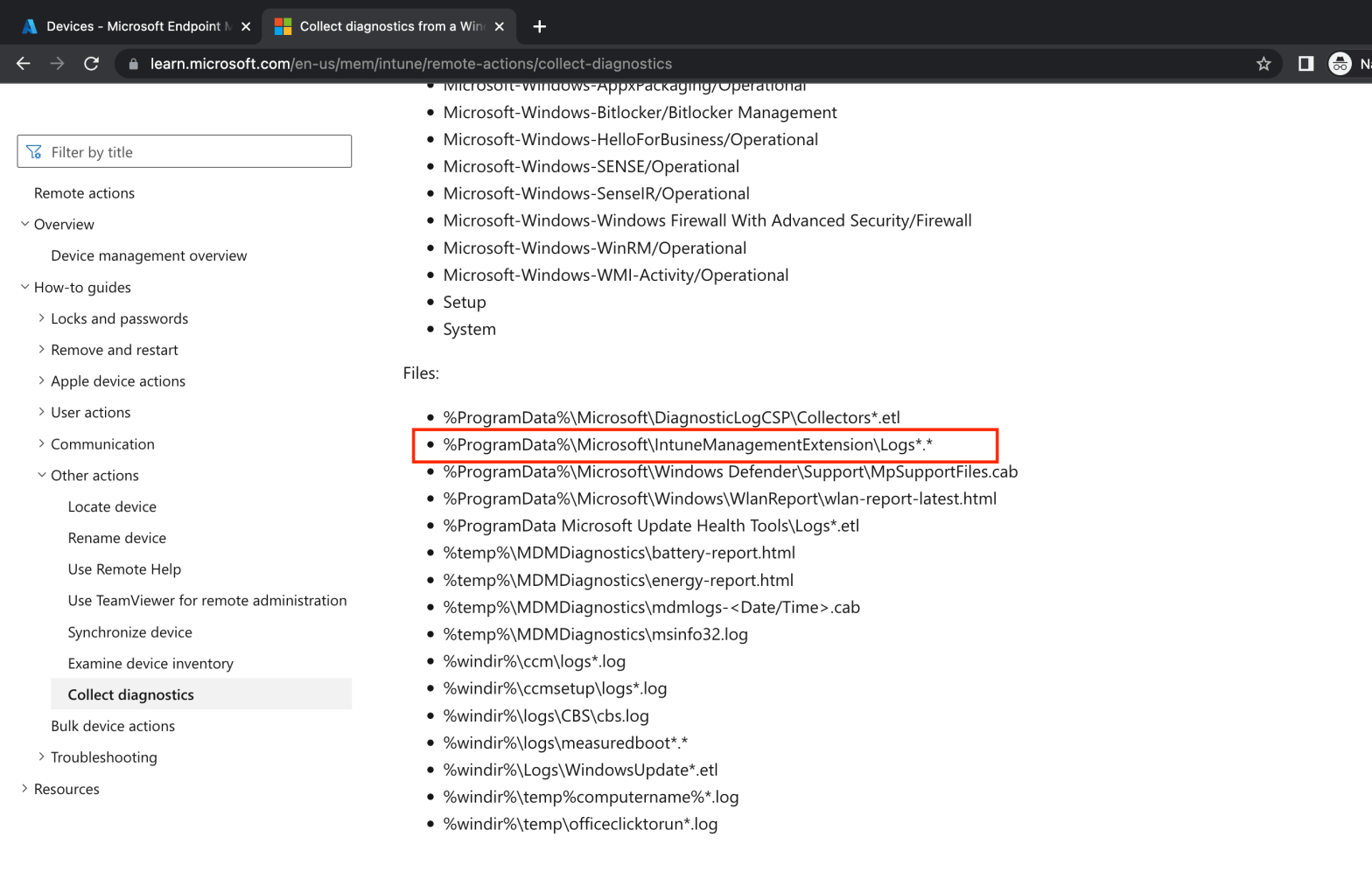
When running device diagnotics on a computer, the Intune Agent runs many commands on the workstation. Every collected files are listed in MS documentation : https://learn.microsoft.com/en-us/mem/intune/remote-actions/collect-diagnostics
Some folders locations are interesting. Especially this one :

What does it mean ? It means that EVERY log files located in this directory will be gathered and uploaded when running the Device Diagnostics.
You’re figuring out, aren’t you ?
What to do now ?
All you have to do, it’s to move or copy the files you want inside this directory. I created a foo.txt file for the occasion :

Let’s run Device Diagnostics remotely from Intune. It might takes 10-15 minutes :
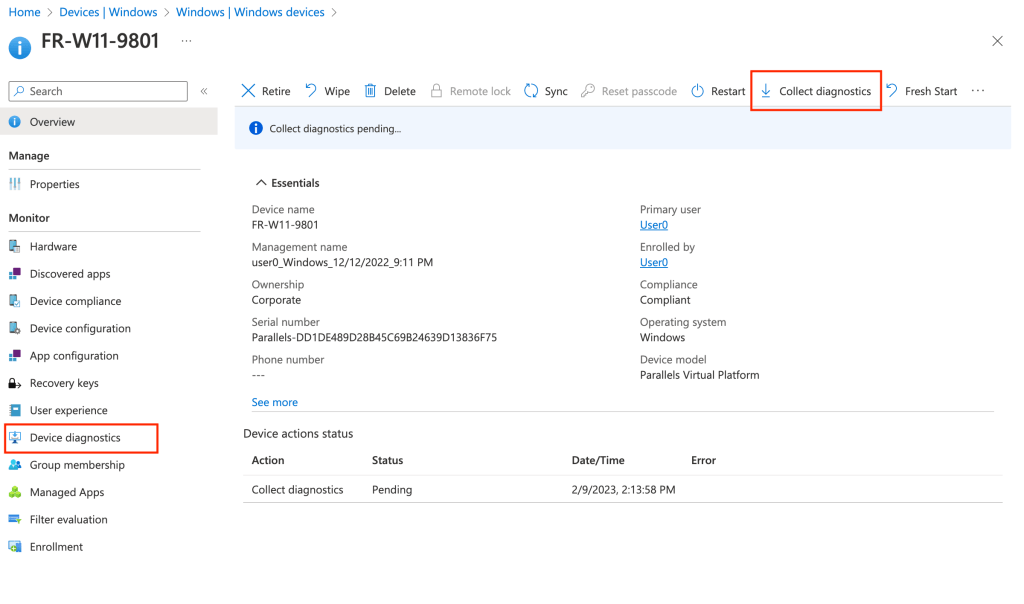

Download the compressed folders and go to this one :
“60) FoldersFiles ProgramData_Microsoft_IntuneManagementExtension_Logs”

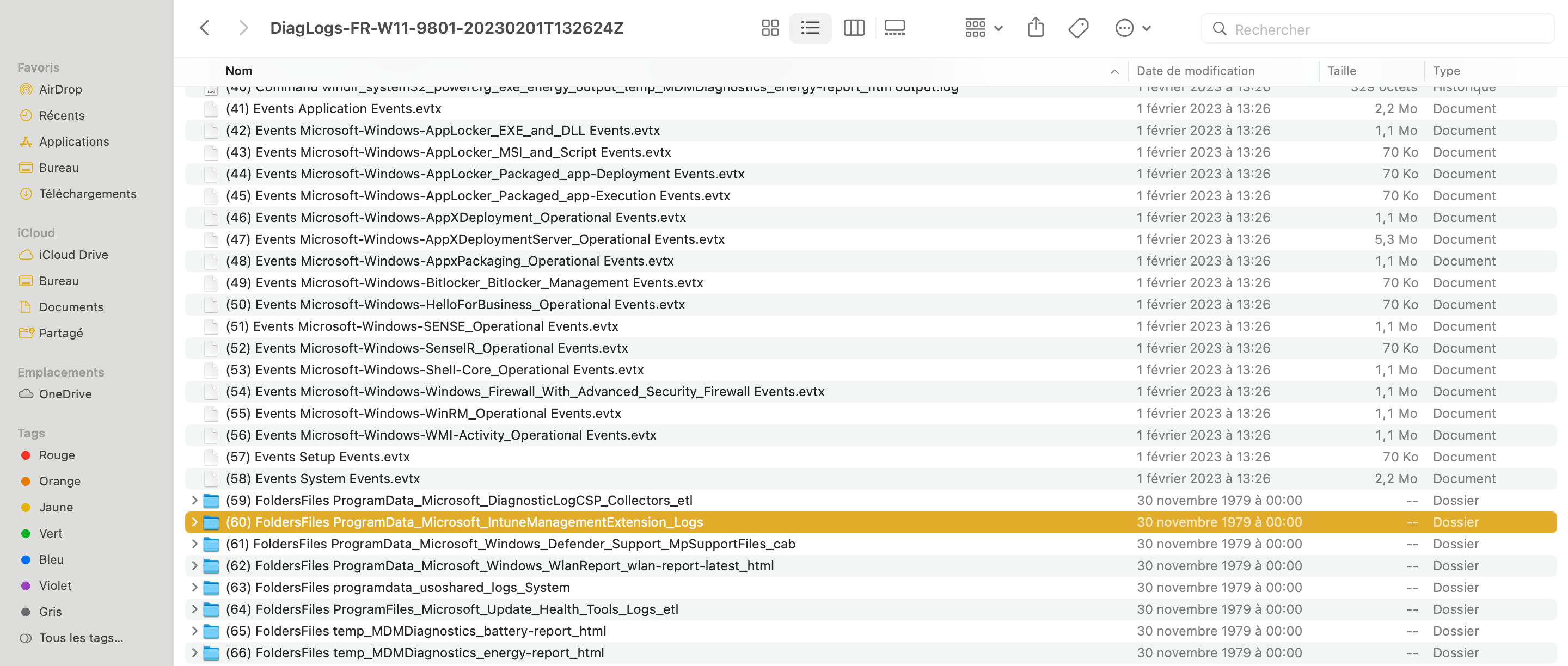
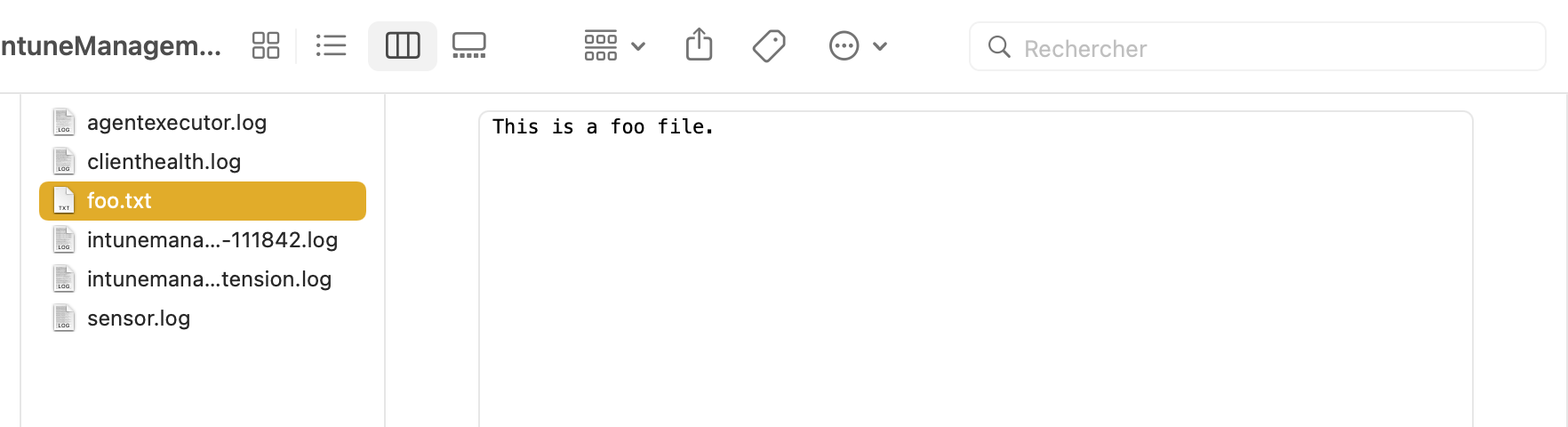
It works for ANY log or txt files you put in this directory.
Cheers !
 Poem to MDM