
Intune native templates are easy to use and offer multiple possibilities to configure your macos devices.
Also, settings catalog is getting bigger and bigger every month as Microsoft invest time and effort to gather most settings possible.
Use a custom profile can be usefull to gather multiple settings through multiple payloads. Export these settings in a single .mobileconfig file might also fit with your needs. You can imagine a big bundle of configurations r create separate custom profiles for each payload.
Download Apple Configurator 2
AC is a free software you can download on App Store from a macos device. It’s used by many mac admins to configure and enroll Apple devices. Only the configuration feature is interesting here but i encourage you to go deeper into the software possbilities.
Build your configuration
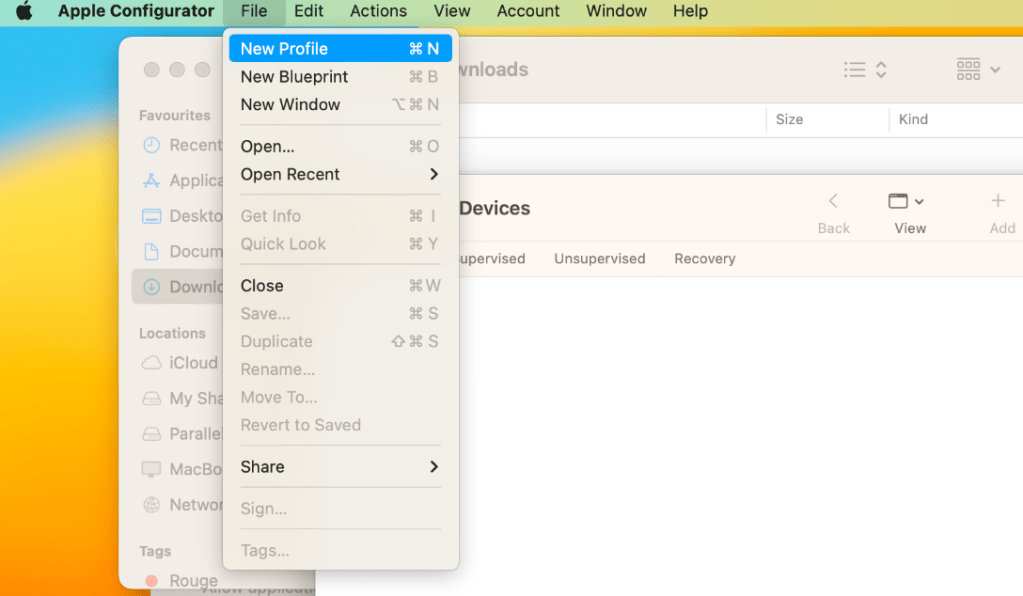
Open AC and create a new profile :
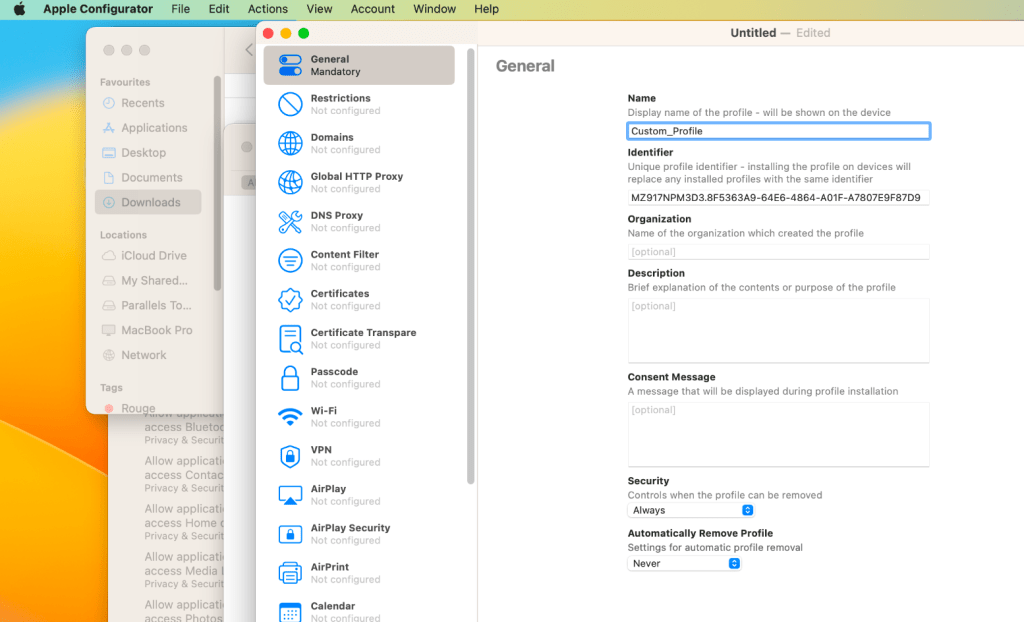
Name the configuration and select the payload you want to edit. Let’s see what’s under “Restrictions” :
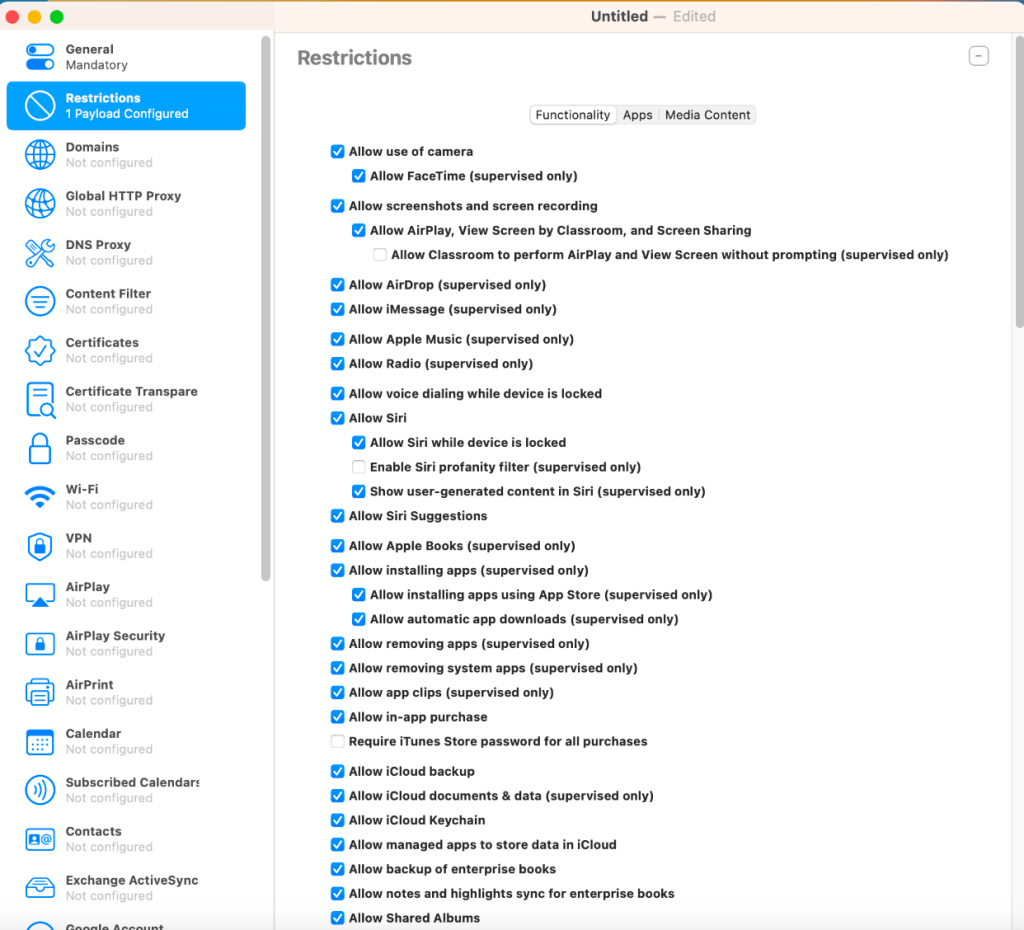
Many settings can be edited only on supervised corporate devices.
Let’s say i want to disable Siri on my managed macos devices for example. Pick whatever settings you want. You can pick settings from multiple payloads (categories on left column). I prefer to split my payloads to avoid side effect when i only want to edit a single setting but it’s up to you.

Note that these settings can be configured on macos devices but also on iOS devices. Disable Siri is possible with the exact same profile if it’s deployed on iOS devices.
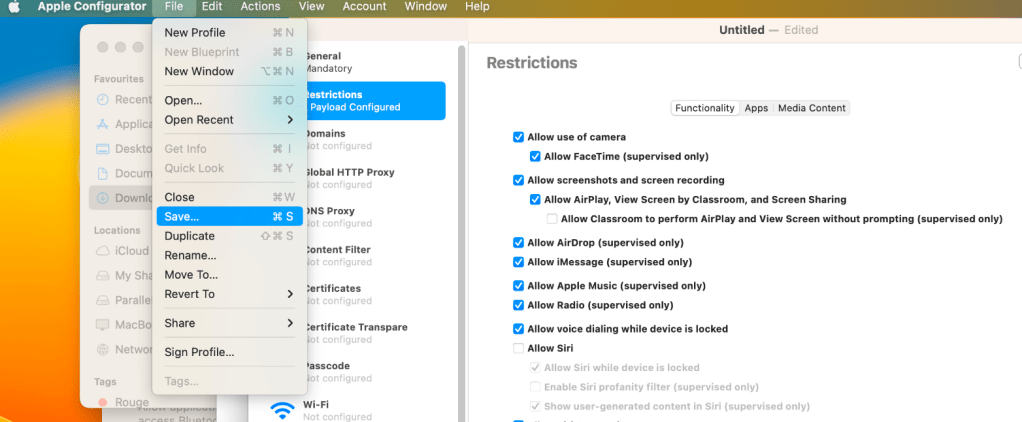
Now export the profile. It will be saved in a .mobileconfig file
Open it as a text file to observe what’s in it :

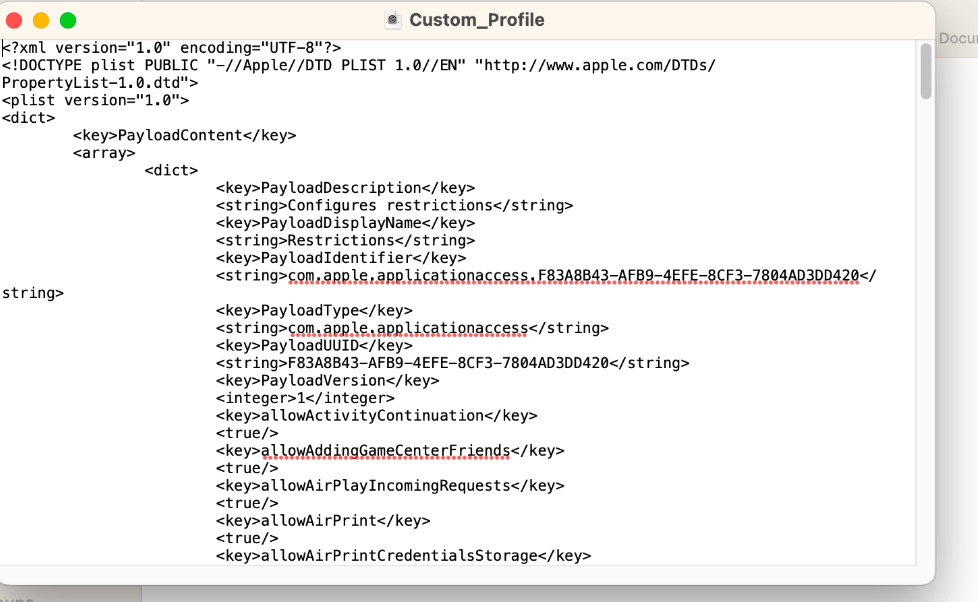
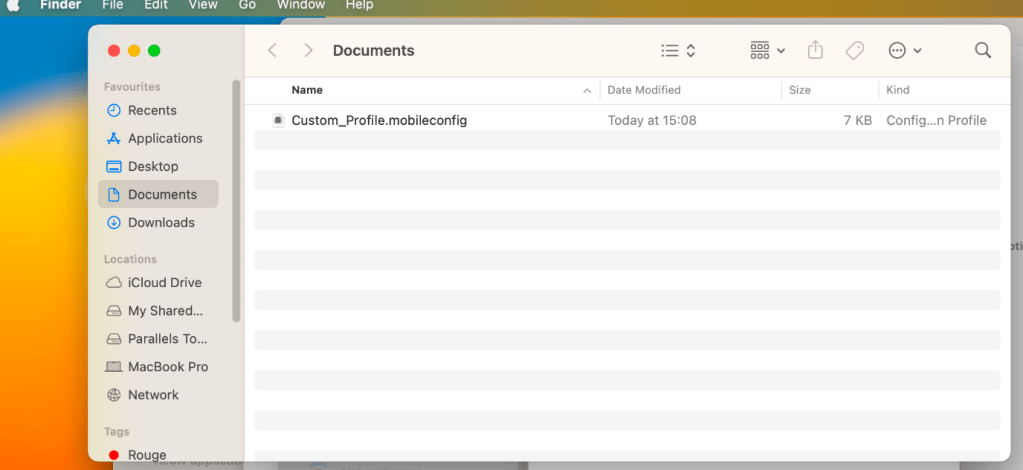
An xml file ?
Yep, AC builds an xml file that you can use to configure your enrolled devices. I use AC here but i know there are multiple “xml builders” out there.
Deploy the custom profile
Go on Intune, create configuration profile and chose “Custom” :
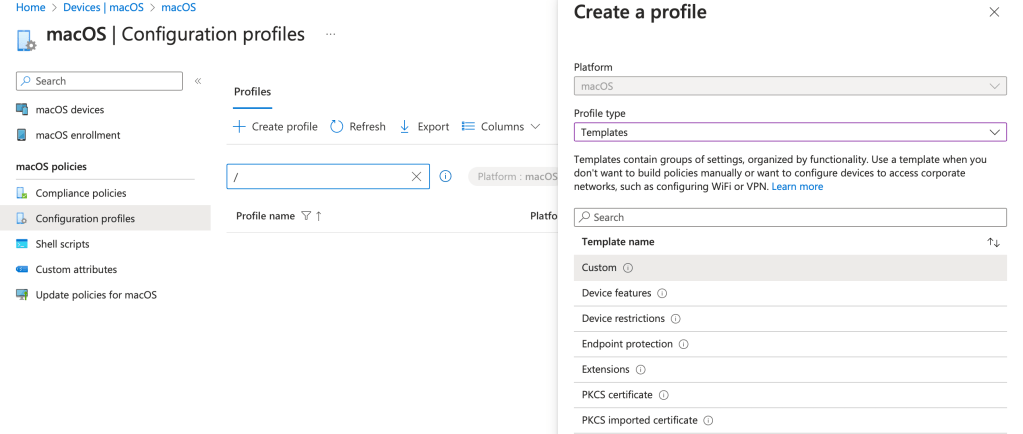
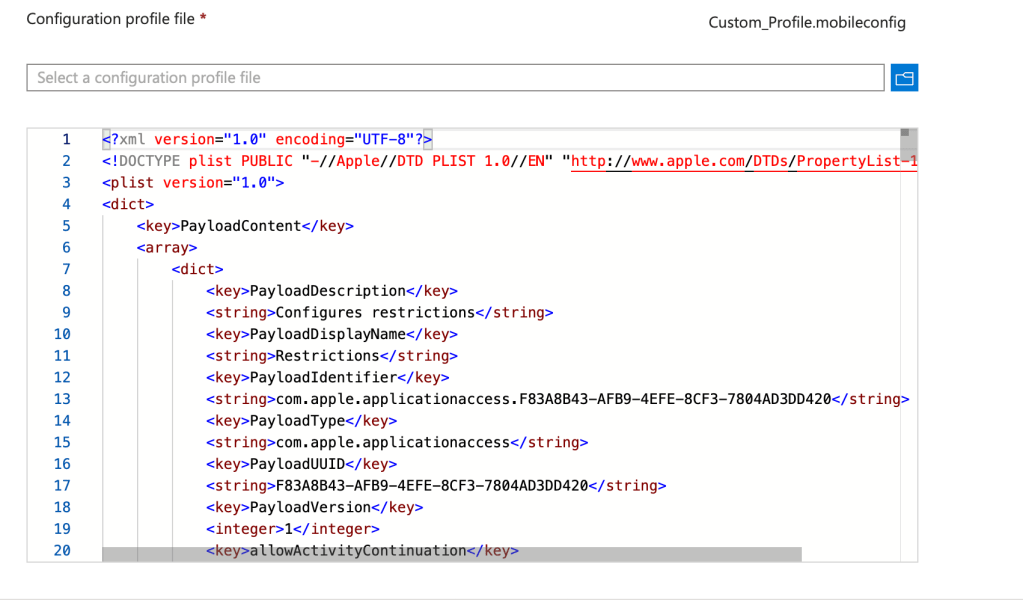
Upload the .mobileconfig file, chose a scope tag and assign the configuration profile to your user or device group :
User Experience
Let’s confirm the deployment locally. Go on System Preferences and search “profiles” :

Look who’s there :
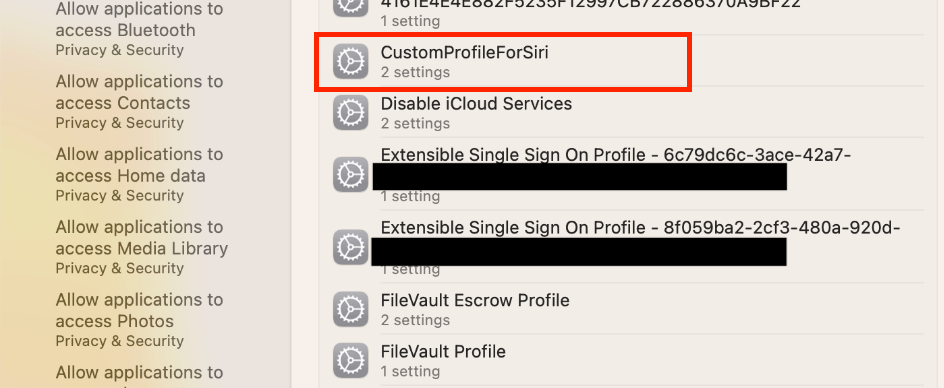
Double click on it :

Seems disabled. Open Siri to confirm :
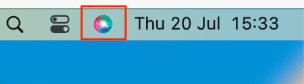
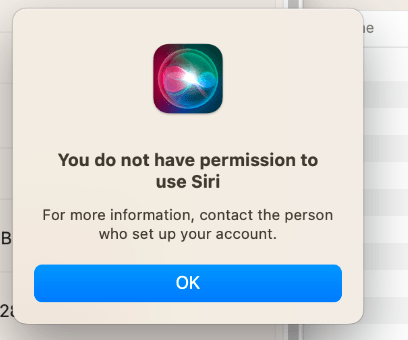
Note that even if i’m logged in as a root user, i don’t have the permissions to edit the Siri settings. Commands in Terminal don’t work either :

Combine Intune templates, settings catalog and custom configuration profiles and you’re good to go !
 Poem to MDM
Great article! If you haven’t checked it out yet, there is also a windows program called iMazing Profile Editor that will allow you to make Apple Profiles on windows. This has been helpful for me and my organization to make apple profiles without having to buy Macs, just to download Apple Configurator.
LikeLike
Hello Brady !
Thanks for sharing iMazing Profile Editor. I’ve experienced it once and I appreciated it as it is on Windows. Greatly appreciated for organizations who cannot or don’t want to buy a Mac to design managed macOS. Agreed, great tool !
Apple Configurator is useful to build configuration profiles but also to enroll iOS and macOS devices directly into Intune with the enrollment profile URL for example. That’s why it’s my favorite, it’s more than conf profiles. And it’s design by Apple to manage Apple devices so… 🙂
Thank you for your comment, feel free to DM !
Tom
LikeLike