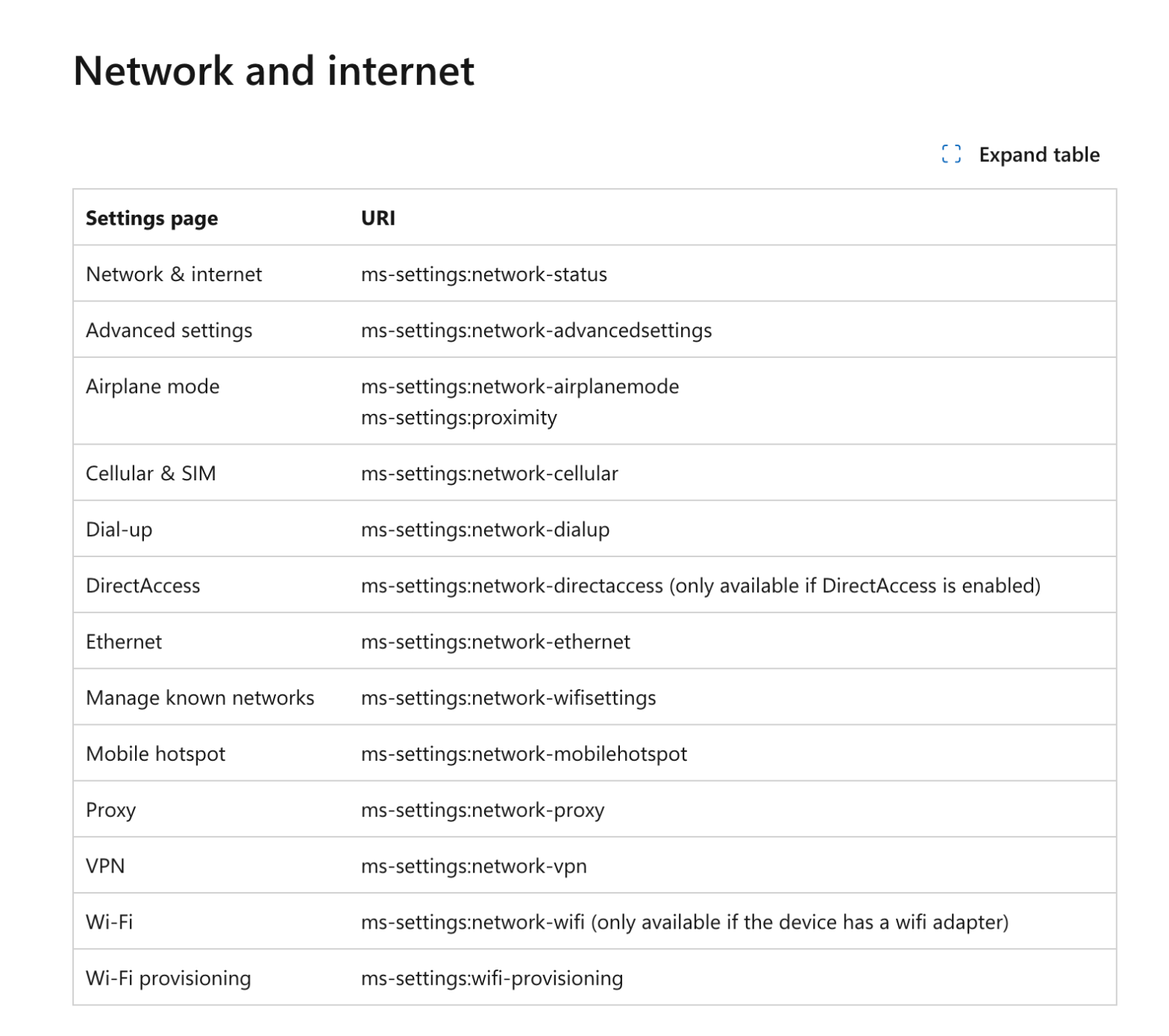
It’s a request i got often from multiple customers : “I do not want users to be able to open this menu, just remove it from the settings menu”. Sure ! Consider it done. Know your ennemy How these menus are named ? Microsoft did a great job by listing all the menu little names.Continue reading “Hide Windows Settings Menus Easily”
Category Archives: Windows
Monitor and Track Cloud PC Usage from Intune in Bulk Effectively

Amazing are the Cloud PCs. Top features, it fits with a lot of the use cases, great support from Microsoft and what a great experience it is. You have deployed multiple Cloud PCs in your organization. However, once deployed, some Cloud PCs may not be used as frequently as expected, leading to inefficiencies and unnecessaryContinue reading “Monitor and Track Cloud PC Usage from Intune in Bulk Effectively”
Safely Handle and Disable Stale Windows Devices
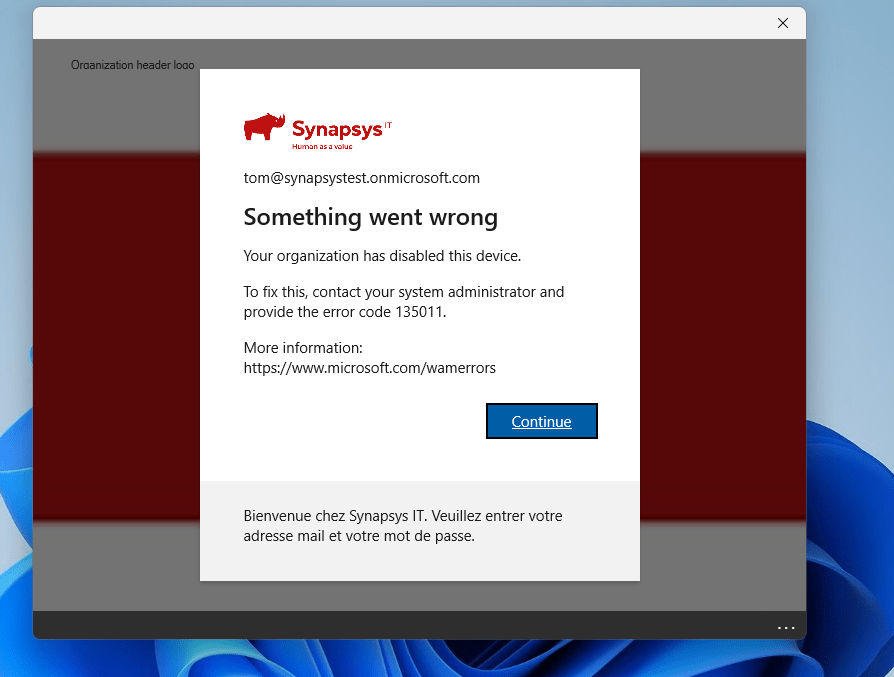
I understand and respect that the customers I work with prefer a more gradual, step-by-step approach than just delete the stale devices. This makes sense, as there are legal requirements to keep devices in the ecosystem for a certain period. Moreover, once a device is deleted, the action cannot be undone. After multiple discussions, weContinue reading “Safely Handle and Disable Stale Windows Devices”
Guard Your Corporate Data : Put an End to Unauthorized Access on Personal Devices with Conditional Access
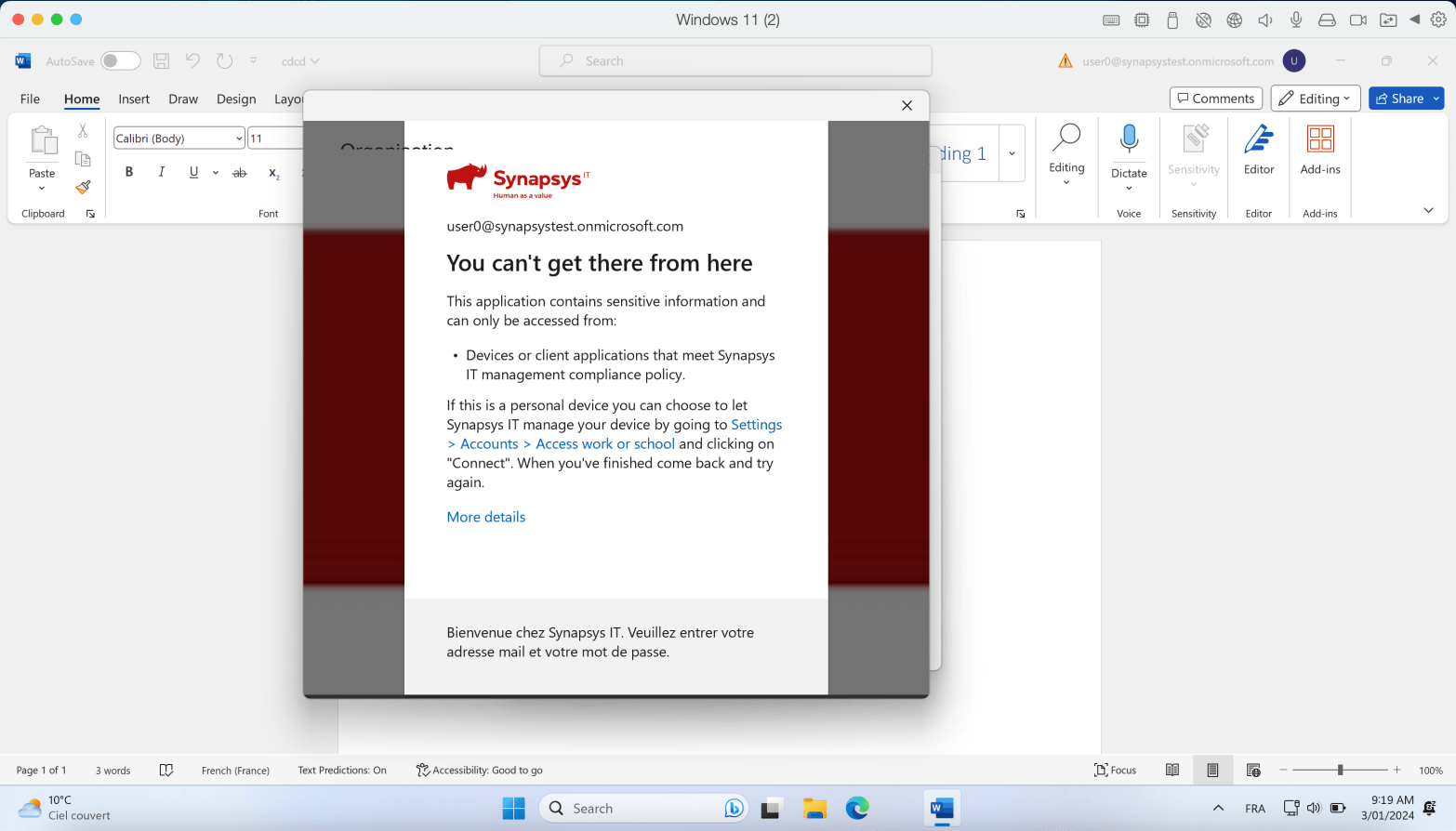
Conditional Access rules are a key tool for securing corporate data. One of my favorites rules is the “Require the device to be compliant” rule. Here’s the idea : Your device needs to be enrolled in Intune and meet specific compliance rules you’ve set. This ensures that only managed devices can access company data, keepingContinue reading “Guard Your Corporate Data : Put an End to Unauthorized Access on Personal Devices with Conditional Access”
Unlocking Windows LAPS: How to Safeguard Local Passwords with Administrative Units
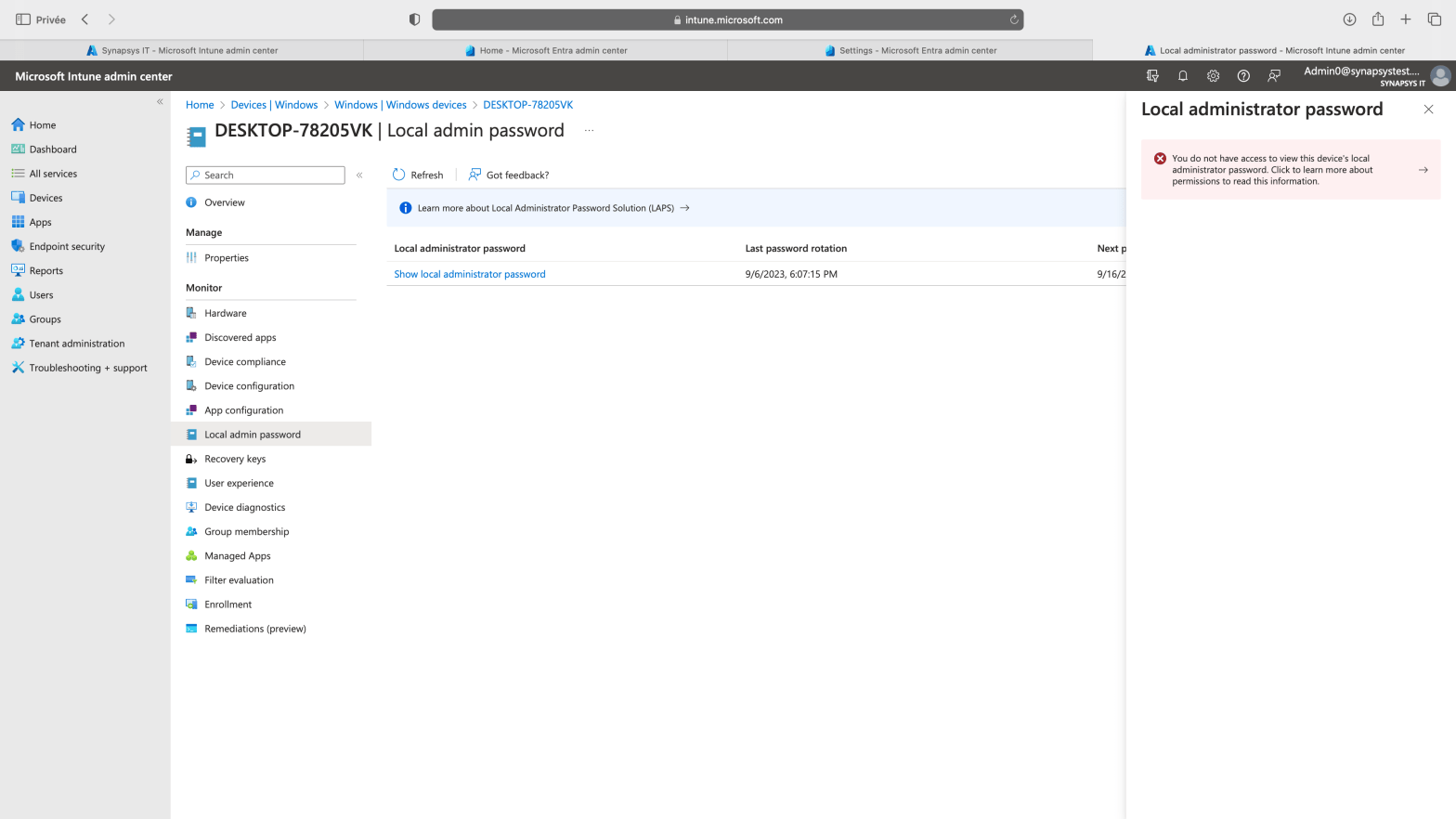
Windows LAPS (Local Administrator Password Solution) has recently become generally available, introducing a robust and intriguing design built on multiple DLLs and functions. Numerous resources exist that detail how to enable and utilize this feature. In this blog post, we will explore a crucial aspect of Windows LAPS – how to delegate access to theContinue reading “Unlocking Windows LAPS: How to Safeguard Local Passwords with Administrative Units”
First journey into Windows 365 : Provisioning and Deployment

More and more Intune features are being supported into Cloud PCs. Last one announced was Endpoint Privilege Management (EPM) at this time but you manage Cloud PC with Intune quite deeply : Apps, Configurations, Updates, Autopatch, Compliance, Defender. Copilot was also announced to be working with the OS on Cloud PCs. Oh and the developmentContinue reading “First journey into Windows 365 : Provisioning and Deployment”
Run bulk local passwords rotations from Intune with WindowsLAPS, Powershell and Graph API
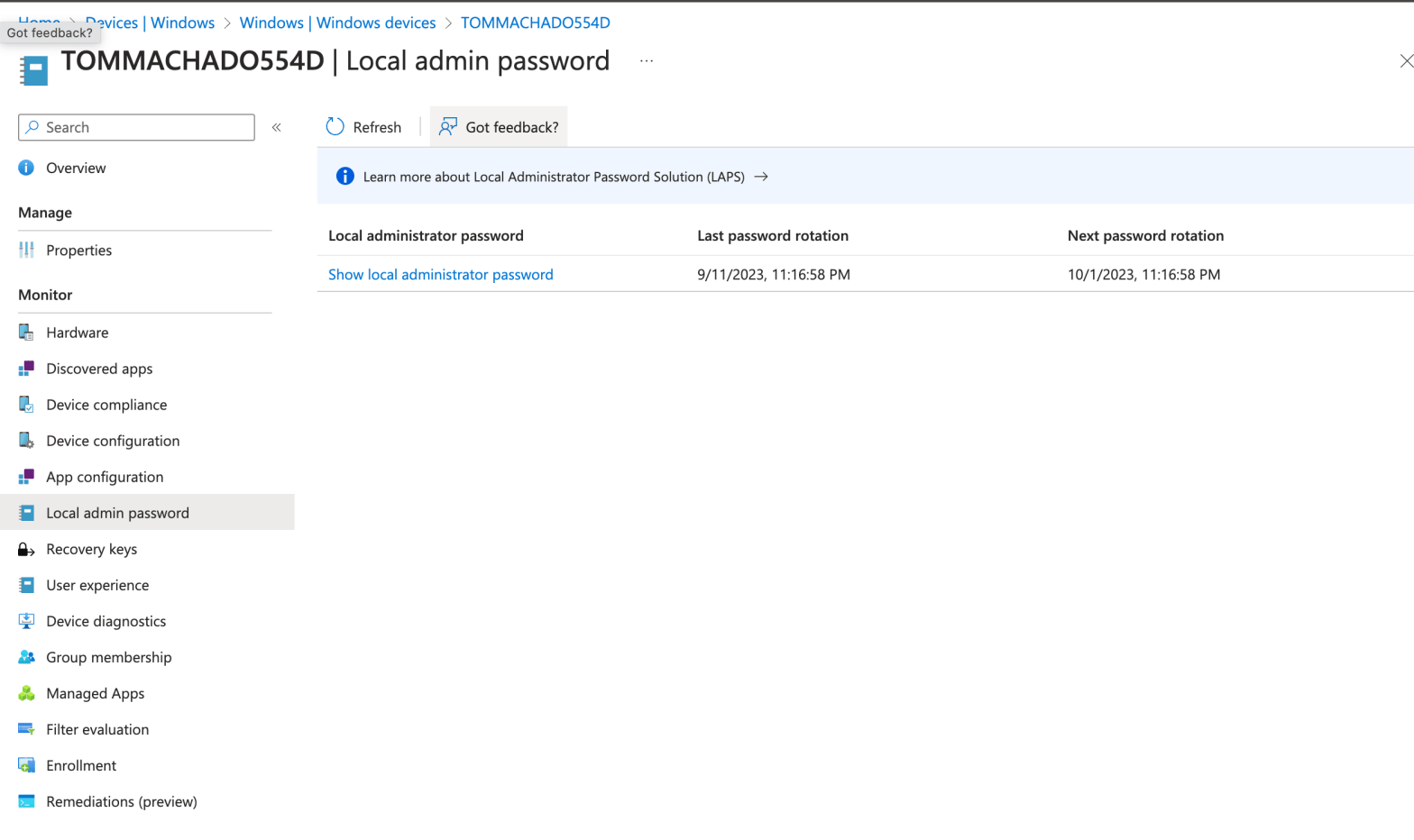
I’ve met this scenario with multiple customers in the past using the WindowsLAPS feature : How to manually initiate a local password rotation on multiple devices. I’m wiritng this post also because i had discussions with IT guys looking for a scripting way to do it recently. Goal : Initiate this rotation below but onContinue reading “Run bulk local passwords rotations from Intune with WindowsLAPS, Powershell and Graph API”
How to remotely get any local log files from Microsoft Intune
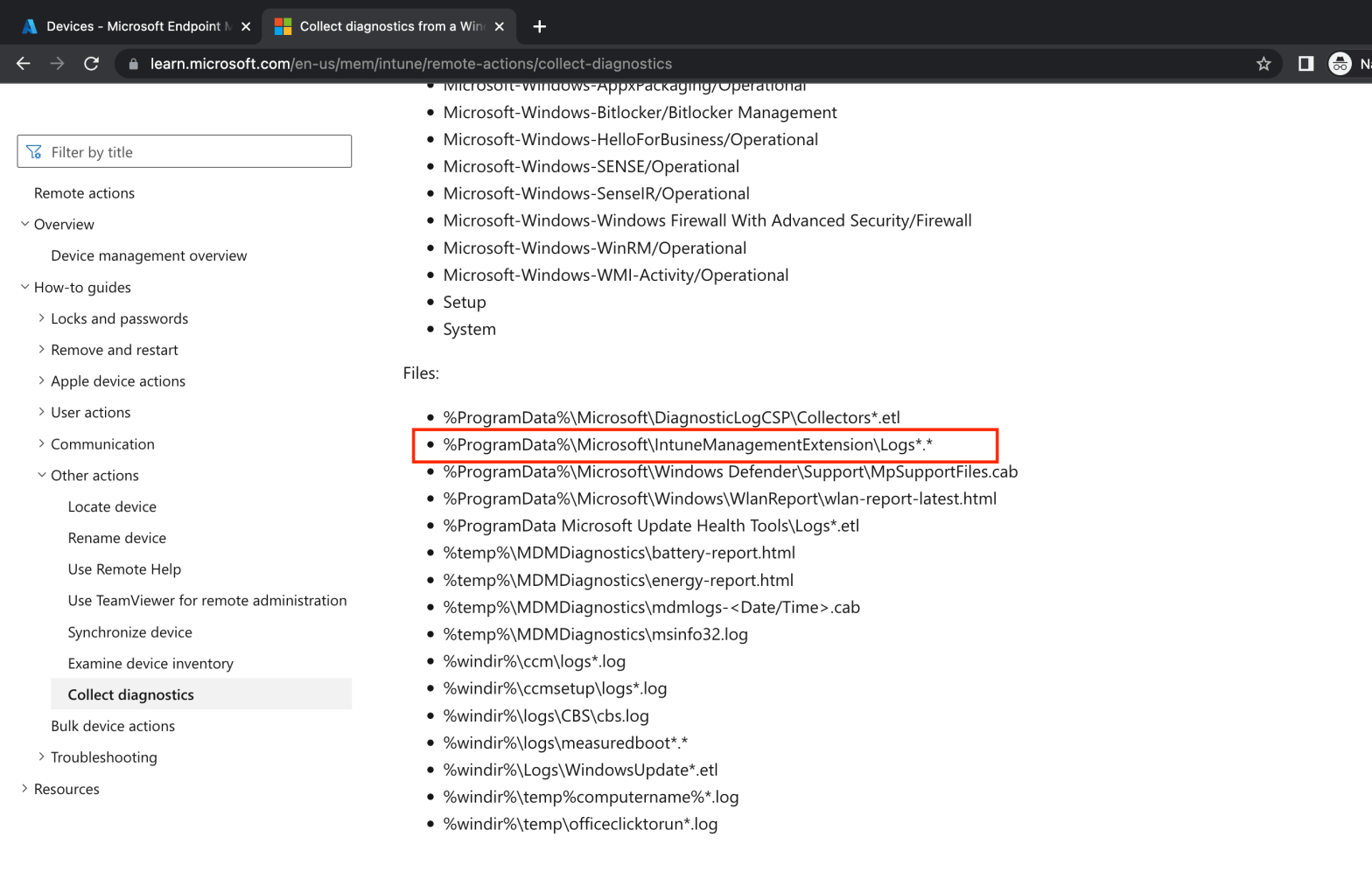
Frustated aren’t you ? You’re trying to get remotely a log file located in some deep folder locally on your managed workstations. In this post, we will collect the file leveraging the “Device Diagnostics” feature. How does Device Diagnotics work ? When running device diagnotics on a computer, the Intune Agent runs many commands onContinue reading “How to remotely get any local log files from Microsoft Intune”
Multi-users devices with Intune
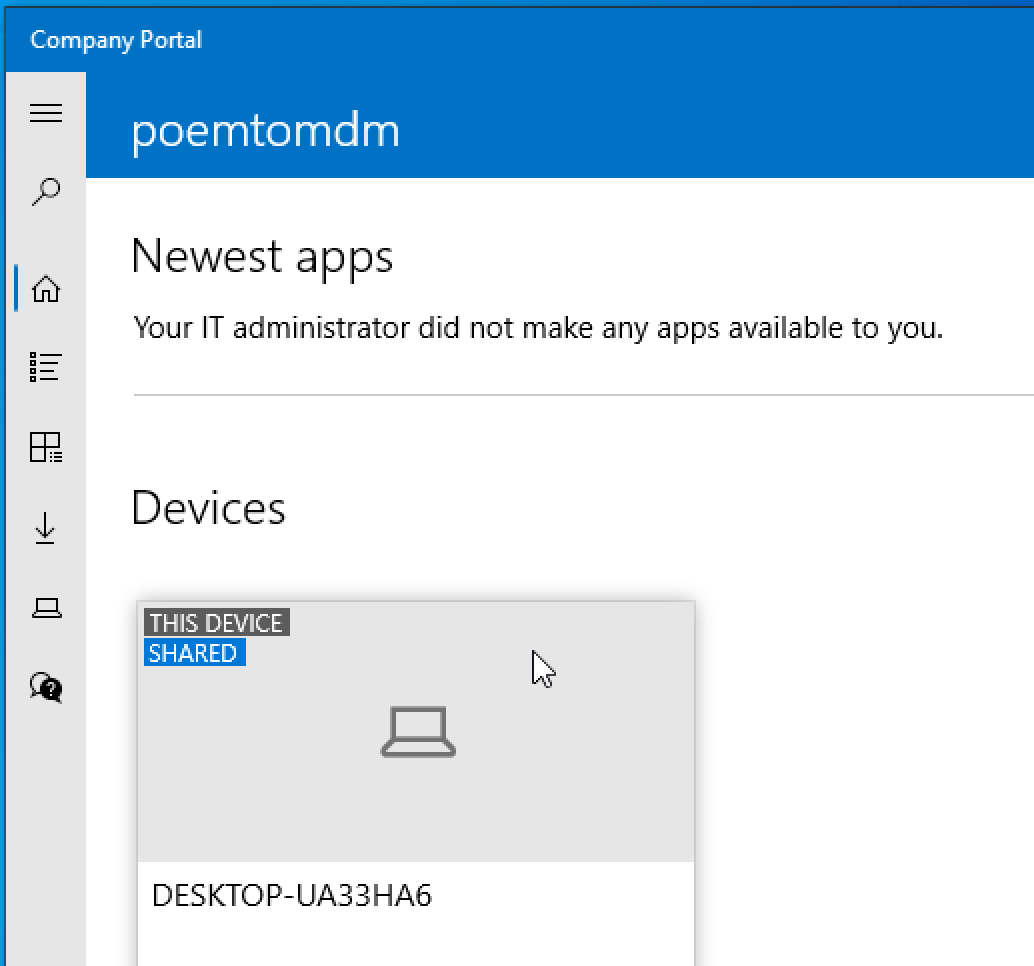
This is a very common scenario for companies or schools : A device is shared between multiple users.
 Poem to MDM